15
GB
● CONNECTIONS
CONNECTING THE SPEAKERS
This section involves various methods of connecting the Digital Room Cinema to other external
components.
Before moving or installing the product, be sure to turn off the power and disconnect the power cord.
connections
Position of Digital Room Cinema
Place it on a stand or cabinet shelf, or under the TV stand.
Selecting the Listening Position
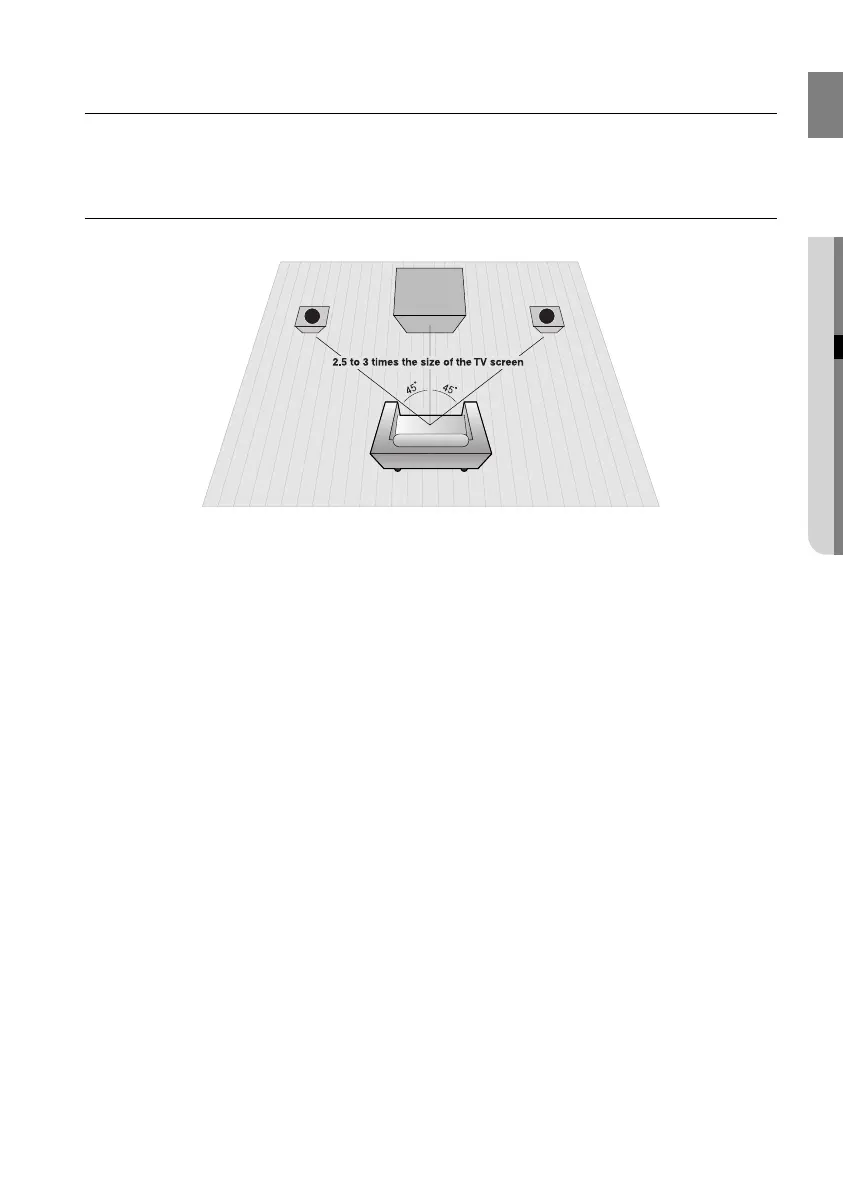
The listening position should be located about 2.5 to 3 times the distance of the TV's screen size away from the TV.
Example : For 32" TVs 2~2.4m (6~8feet)
For 55" TVs 3.5~4m (11~13feet)
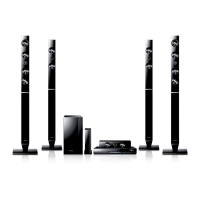
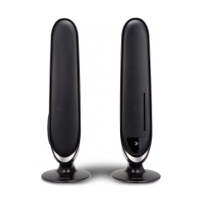
Front Speakers
ei
Place these speakers in front of your listening position, facing inwards (about 45°) toward you.
Place the speakers so that their tweeters will be at the same height as your ear.
Align the front face of the front speakers with the front face of the center speaker or place them slightly in front
of the center speakers.
L R
02107H-RTSE10-XME.indd 1502107H-RTSE10-XME.indd 15 6/20/08 11:04:58 AM6/20/08 11:04:58 AM






 To Next Page