44_
setup
setup
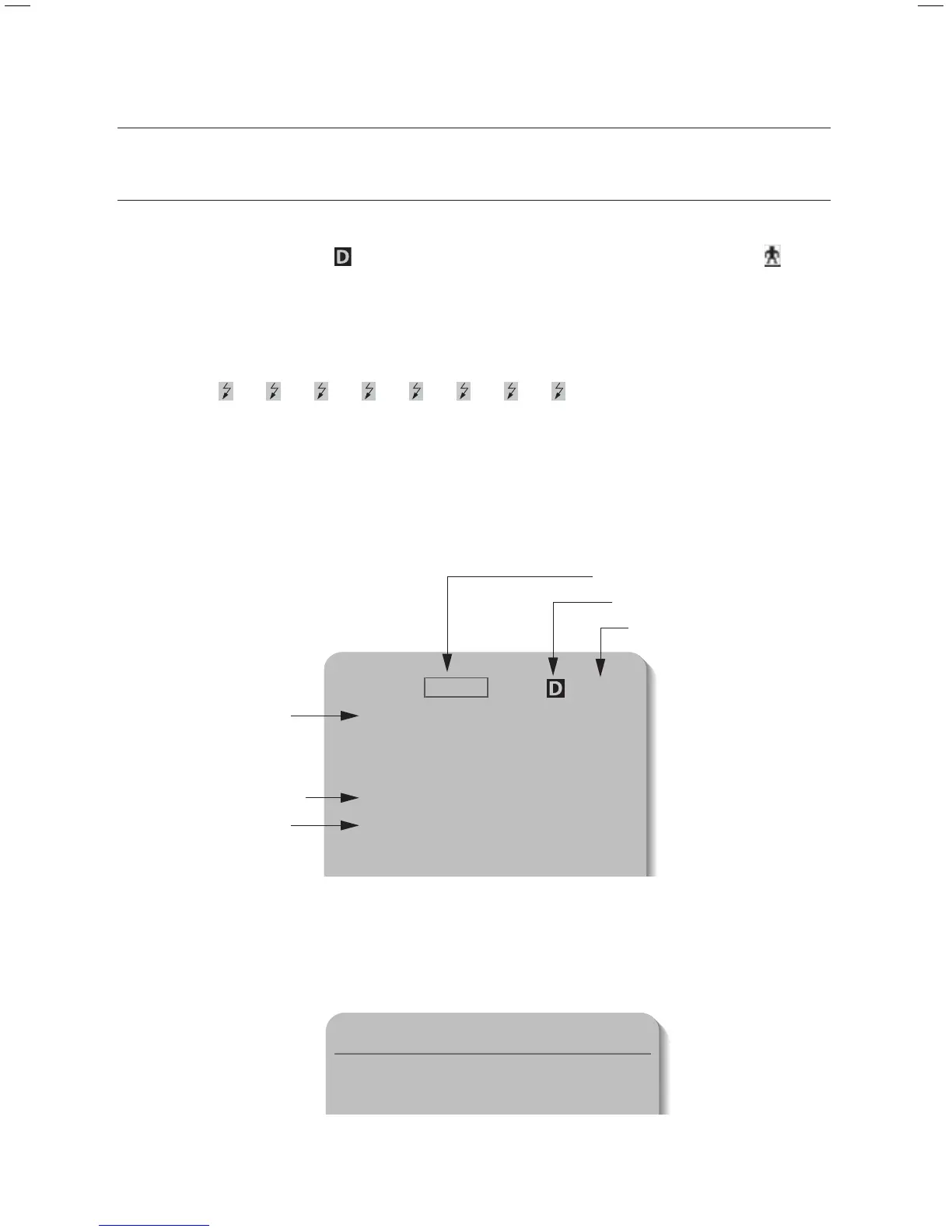
INTERFACE SYMBOLS
Motion Detection Standby/Operation Display :
When in standby mode, the “
” in the upper right of the screen blinks and then changes to “ ”
if motion is detected.
Alarm Input Port Status Display :
"
①
", "
②
", "
③
", "
④
", "
⑤
", "
⑥
", "
⑦
", and "
⑧
" in the upper right of the screen blink.
Current Alarm Port Display According to Input Alarm Ports(Priority) :
Only one of "
➊
", "
➋
", "
➌
", "
➍
", "
➎
", "
➏
", "
➐
", "
➑
" in the upper right of the screen blinks.
Ú
The alarm port indicator blinks only when the sequence is set .
Preset Number Display Settings :
‘
*
’ : If a preset number is already available
'H' : If a preset location is the camera’s home position
'T' : If a preset location is the camera’s Auto Track starting point (SCP-XXXXT Only)
y
y
y
y
ID=001
Area1 Area Name
G-SEQ1
PRESET : 001 Preset Name
P:300 T:040 010X
Alarm Input
Area Display
Preset Info
Sequence Status
Motion Detect
PTZ Function Screen :
y
Preset Number Setting Screen :
y
Preset Setting
Preset=011* (1~255)
Camera Name
1234
5678



 To Next Page