English - 45
● SETUP
USING AND SETTING THE MENUS
OSD (On-screen Display) Indicators
Operating Your Camera
Panning and Tilting :
Use the joystick of the controller or its direction buttons.
Controlling Zoom :
Move the joystick clockwise (Tele) or counterclockwise (Wide), or use the zoom buttons.
Accessing Screen Menus:
Press the Menu or OSD button on the controller.
For more detailed information about controls using a third party controller or a DVR, refer to the user’s manual of the
product.
OSD Commands, Function Chart, and Menu Controls (Applied to Samsung
T/Samsung E protocol)
This camera can be operated using two methods: Using hot keys on its dedicated controller, or
accessing the OSD (On Screen Display) on the video output.
The OSD menu commands are as follows:
Command Function
Move the joystick up/down/left/right Moves the OSD menus up/down/left/right, respectively.
Enter/Focus Far Selects a menu and allows access to the sub menus.
ESC/Focus Near Cancels a command and moves back to an upper-level menu.
z
z
z
M
Camera Setting
偓Zoom/Focus
White Balance ATW
------
------
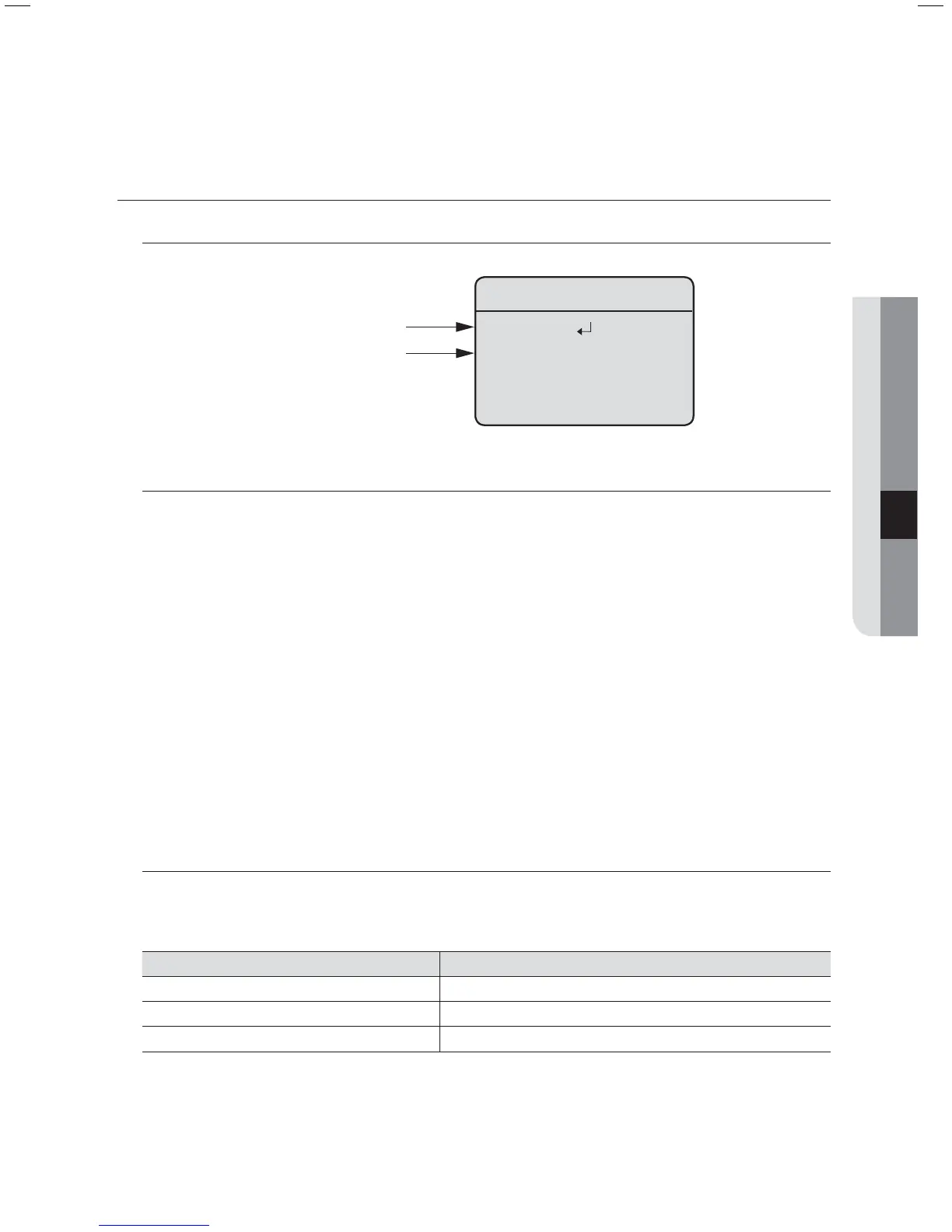
Has submenu
Has no submenu



 To Next Page