Applications
109
SideSync
Introduction
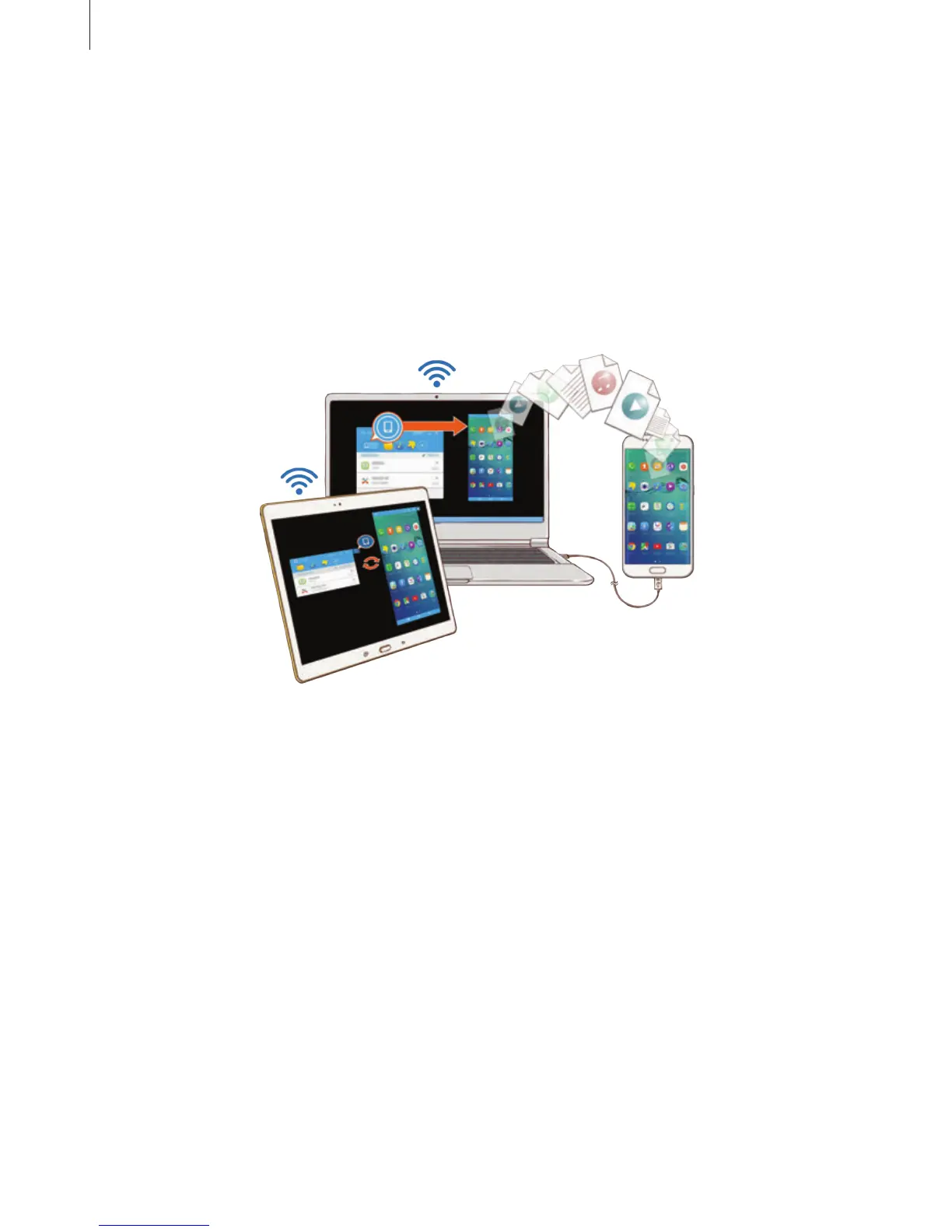
SideSync allows you to easily share your screen and data between Samsung Android
smartphones, tablets, and any computers. After you connect your devices, a virtual screen will
appear on the connected tablet or computer. You can check notifications, such as messages,
from the dashboard or in pop-up windows.
Before you start
•
The SideSync app must be installed on both devices that you want to connect. If
SideSync is not installed, use one of the following methods to download and install it:
–
To download and install SideSync on your Samsung Android tablet or smartphone,
search for SideSync in
Galaxy Apps
or
Play Store
. If your device does not support
SideSync, you may not be able to find the app.
–
To download and install SideSync on your computer, visit
www.samsung.com/sidesync. On the webpage, you can also find the information
about SideSync system requirements.
•
To wirelessly connect devices, they must support Wi-Fi Direct and be connected to the
same access point.














 To Next Page