Basics
39
2
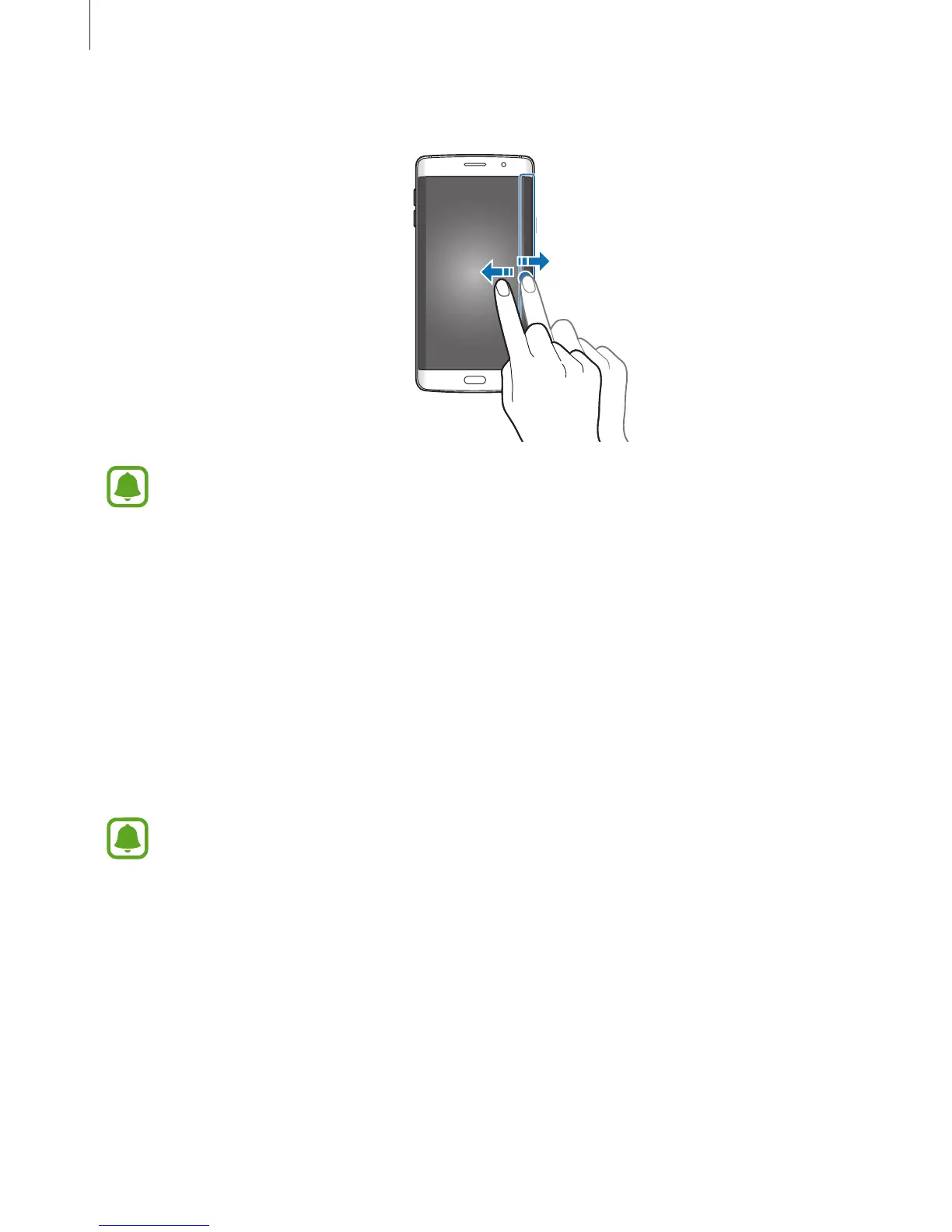
Swipe to the left or right on the Edge screen to view the information stream.
The Edge screen turns off if the device is not used for a specified period. To change
the Edge screen’s time-out setting, open the Apps screen and tap
Settings
→
Edge
screen
→
Information stream
→
Edge screen timeout
.
Night clock
Keep the clock on the Edge screen active to view it at night.
1
On the Apps screen, tap
Settings
→
Edge screen
.
2
Tap
Night clock
and tap the switch to activate it.
3
Set the duration that the night clock remains active.
•
The night clock feature can be set for a maximum of 12 hours.
•
The night clock feature will deactivate when the battery power reaches 15%.














 To Next Page