Applications
99
Gallery
Introduction
View and manage photos and videos stored in the device.
Viewing images or videos
1
Tap
Gallery
on the Apps screen.
2
Select an image or a video.
Video files show the
icon on the preview thumbnail. To play a video, tap .
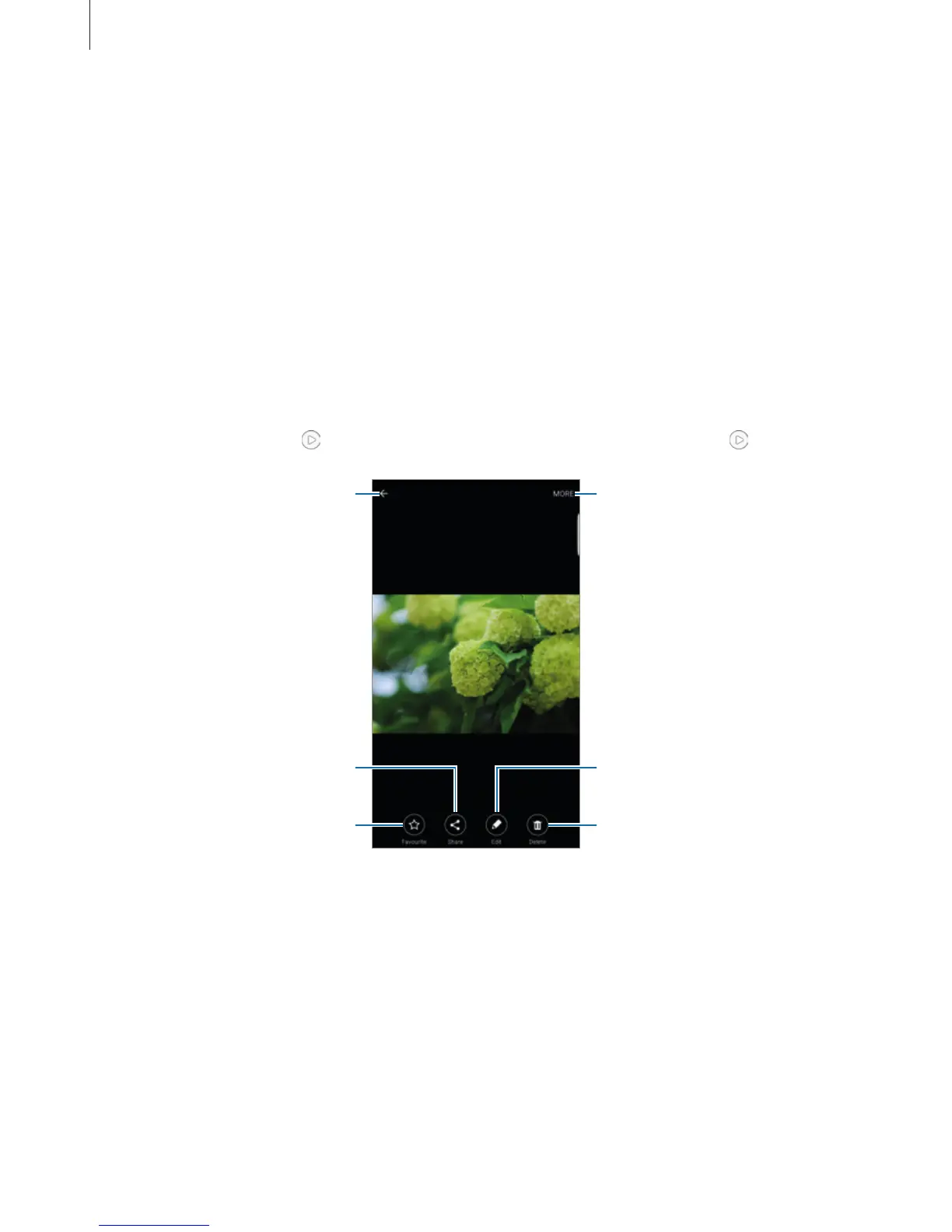
Access additional options.
Move to the previous screen.
Add the image to favourites.
Share the image with others.
Delete the image.
Modify the image.
To hide or show the menus, tap the screen.














 To Next Page