Basics
49
Opening apps
On the Home screen or the Apps screen, select an app icon to open it.
To open an app from the list of recently used apps, tap
and select a recent app window.
Closing an app
Tap and drag a recent app window to the left or right to close it. To close all running apps,
tap
CLOSE ALL
.
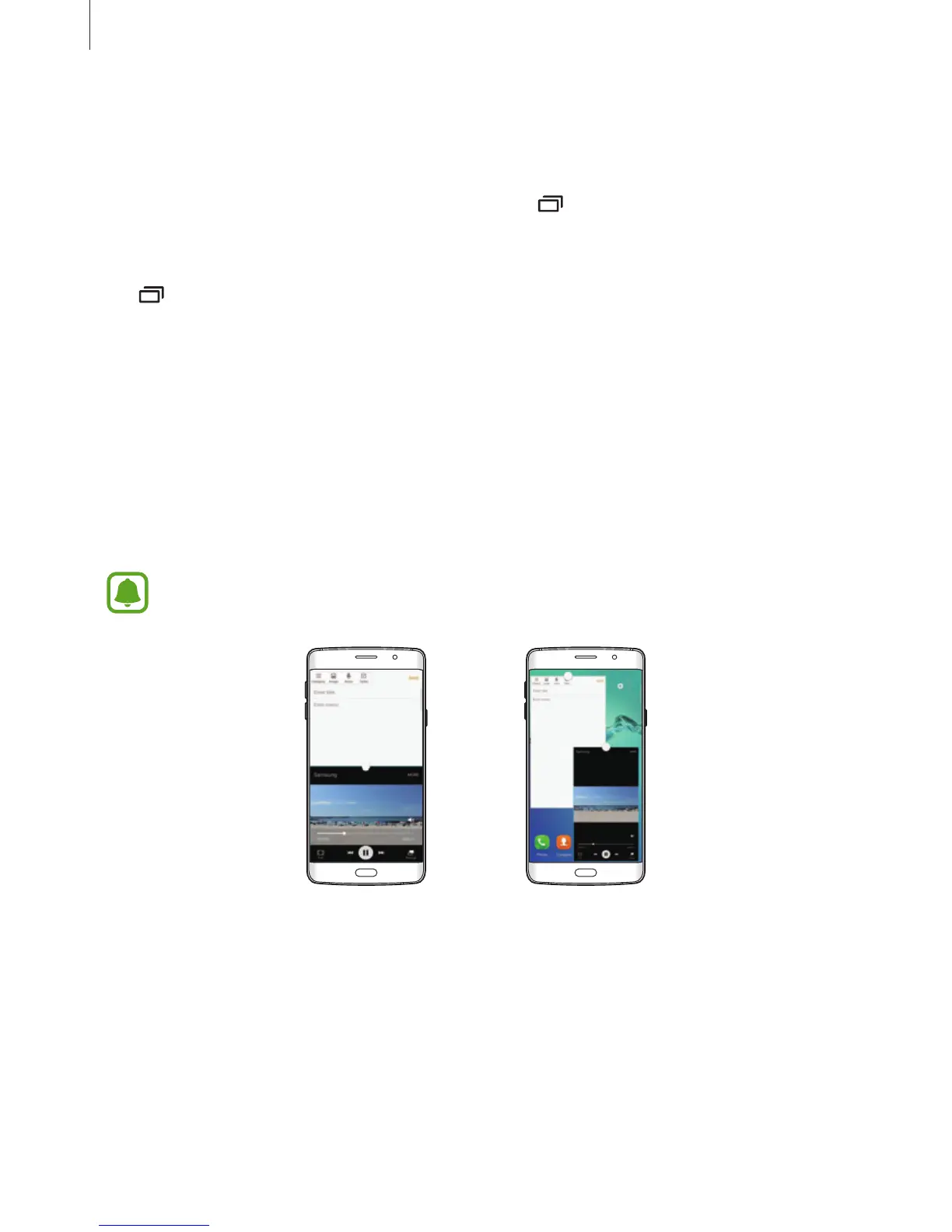
Multi window
Introduction
Multi window lets you run two apps at the same time in the split screen view. You can also run
multiple apps at the same time in the pop-up view.
Some apps may not support this feature.
Split screen view Pop-up view














 To Next Page