Applications
122
3
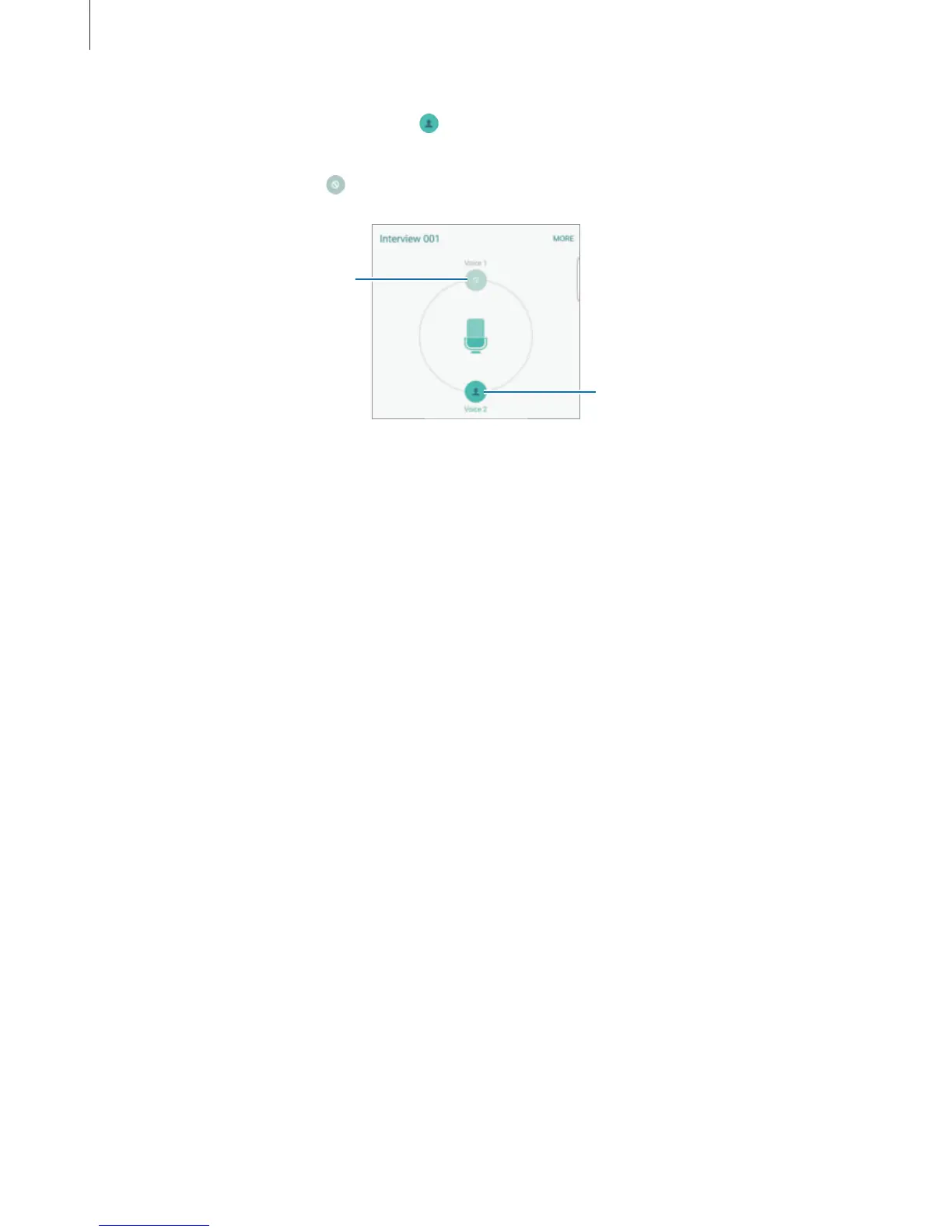
To mute certain sound sources, tap for the corresponding direction that sound is to be
muted.
The icon will change to
and the sound will be muted.
Unmuted sound source
Muted sound source
My Files
Access and manage various files stored in the device or in other locations, such as cloud
storage services.
On the Apps screen, tap
Tools
→
My Files
.
•
Category
: View files by category.
•
Local storage
: View files stored in the device.
•
Cloud storage
: View files stored in the cloud storage service.
•
STORAGE USAGE
: View your device’s memory information.
To search for files or folders, tap
SEARCH
.














 To Next Page