Basics
40
Edge screen settings
Setting the position of the Edge screen
Select the left or right Edge screen to activate it according to your preference.
On the Apps screen, tap
Settings
→
Edge screen
→
Edge screen position
→
Edge screen
side
and select a side.
Setting the handle option
You can choose to display the Edge screen handle on the Home screen and locked screen, or
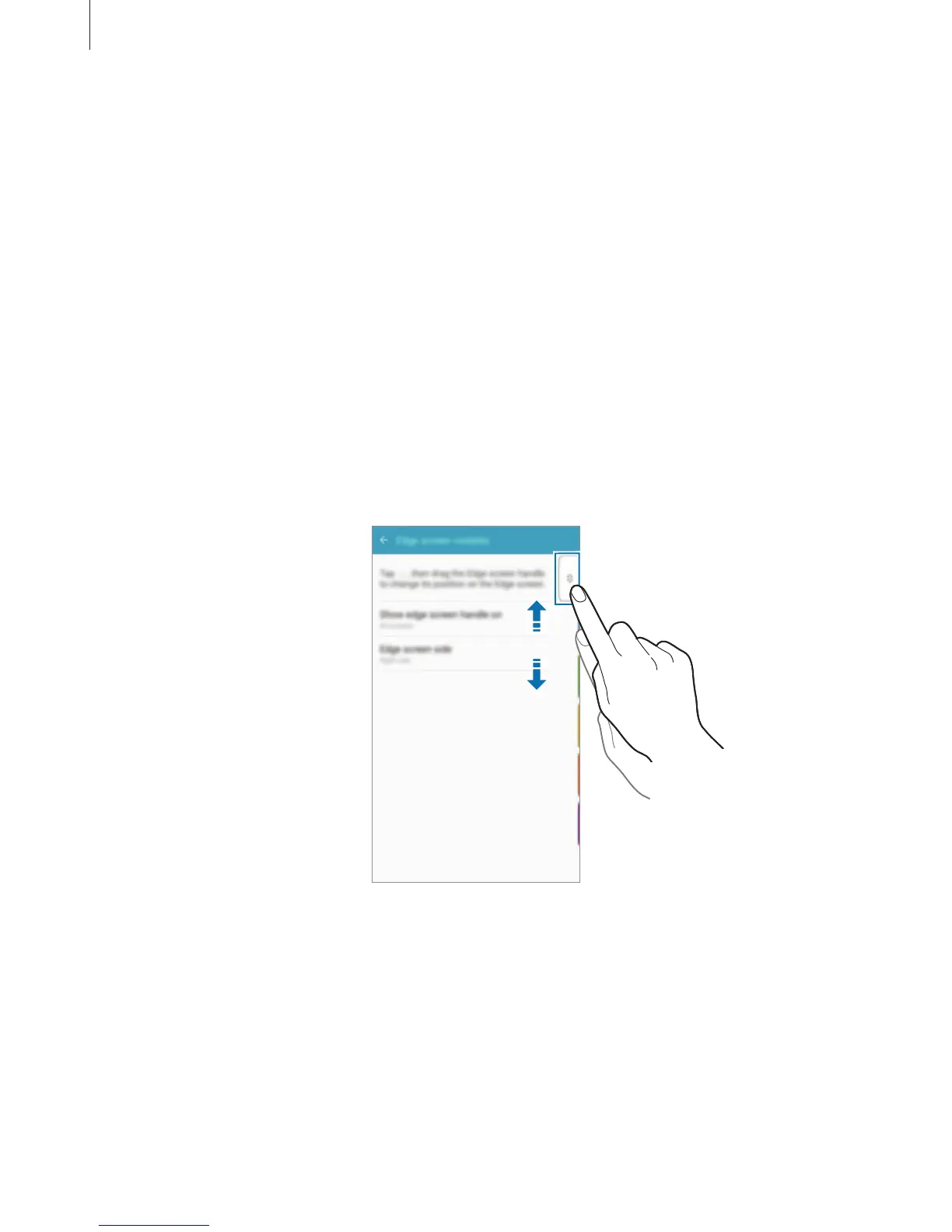
on all screens. You can also change the location of the handle.
On the Apps screen, tap
Settings
→
Edge screen
→
Edge screen position
.
To change the handle option, tap
Show edge screen handle on
and select an option.
To change the location of the handle, drag the Edge screen handle up or down.














 To Next Page