Basics
25
Creating folders
1
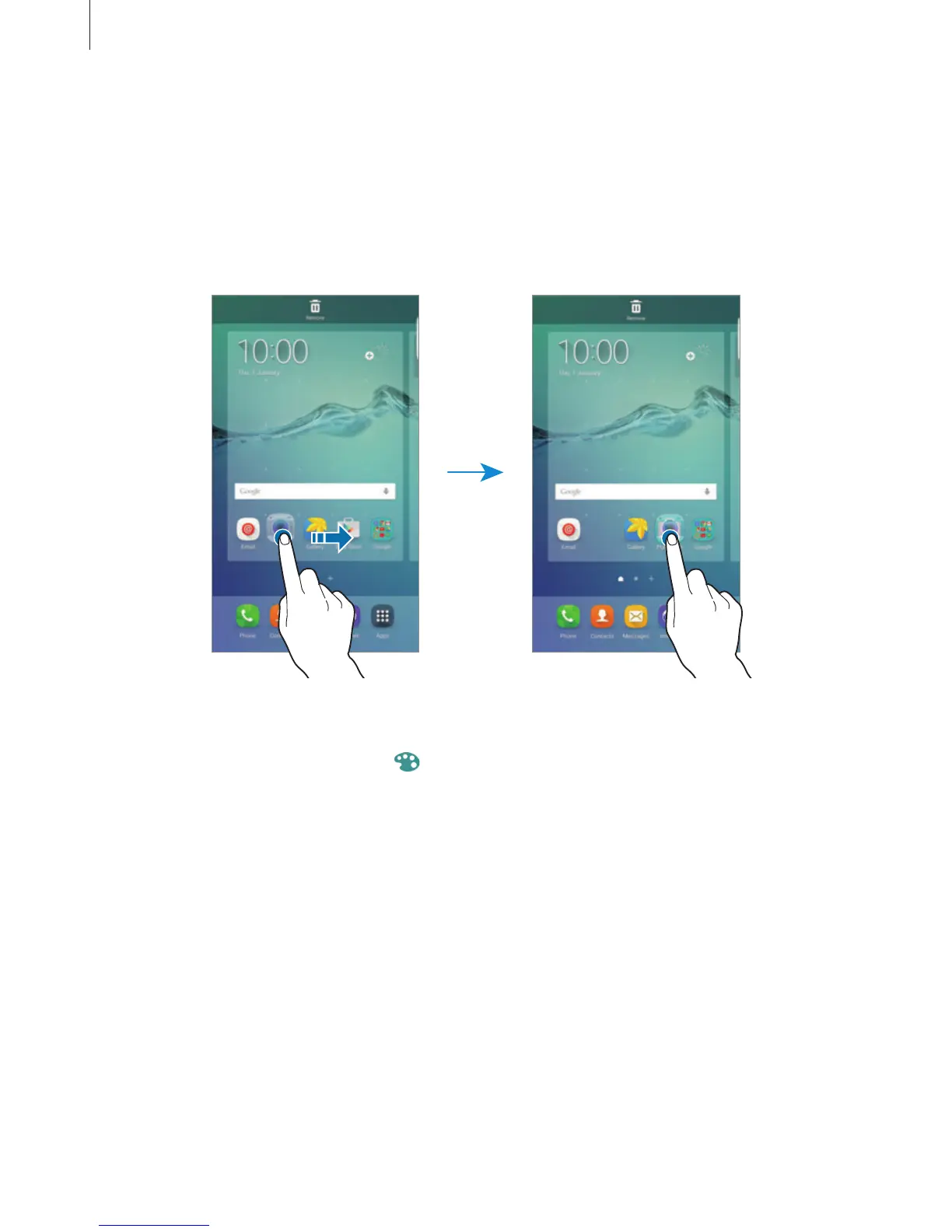
On the Home screen, tap and hold an app, and then drag it over another app.
2
Drop the app when a folder frame appears around the apps.
A new folder containing the selected apps will be created.
3
Tap
Enter folder name
and enter a folder name.
To change the folder colour, tap
.
To add more apps to the folder, tap and hold another app, and then drag it to the folder.
To move apps from a folder to the Home screen, tap the folder, and then drag an app to the
Home screen.
To delete apps in a folder, tap the folder, and then drag the app you want to delete to
Remove
at the top of the screen.














 To Next Page