Applications
110
Connecting to computers or tablets
Connecting to a computer
1
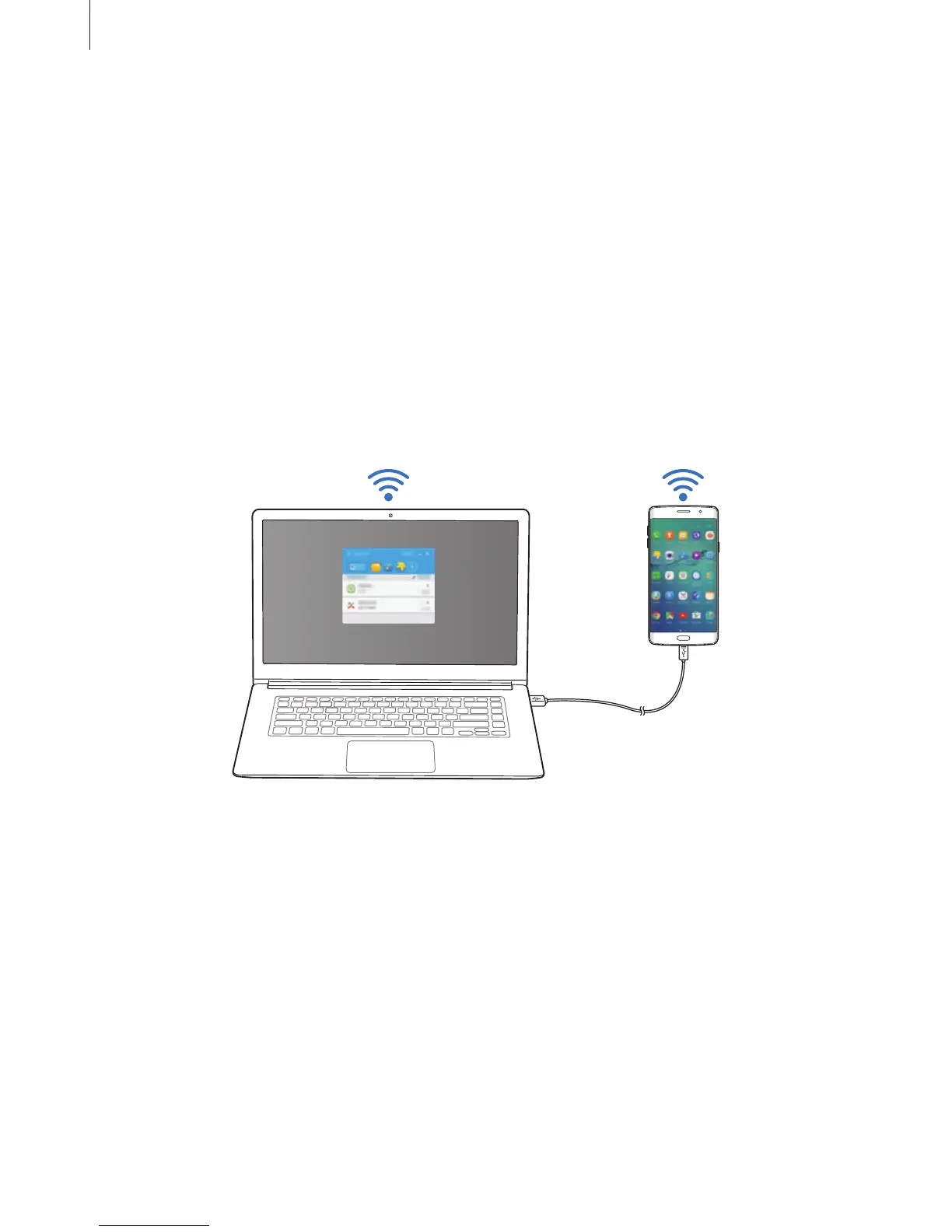
Connect your smartphone to your computer using a USB cable.
Alternatively, connect both devices to the same access point.
2
Launch
SideSync
on both devices.
3
Tap
START
on both devices.
Both devices will scan each other and connect. Then, the dashboard will appear on your
computer.
Connecting to a tablet via Wi-Fi Direct
1
Launch
SideSync
on both your tablet and smartphone.
2
Tap
START
on both devices.
Both devices will scan each other and connect.
3
On your smartphone, select your tablet from the detected devices list.














 To Next Page