Applications
77
Taking photos or recording videos
1
Tap the image on the preview screen where the camera should focus.
2
Tap to take a photo or tap to record a video. To take a series of photos, tap and hold
.
•
Spread two fingers apart on the screen to zoom in, and pinch to zoom out.
•
To adjust the brightness of photos or videos, tap the screen. When the adjustment bar
appears, tap and hold
and drag it on the adjustment bar.
•
To capture an image from the video while recording, tap
Capture
.
•
To change the focus while recording a video, tap where you want to focus. To focus on
the centre of the screen, tap
.
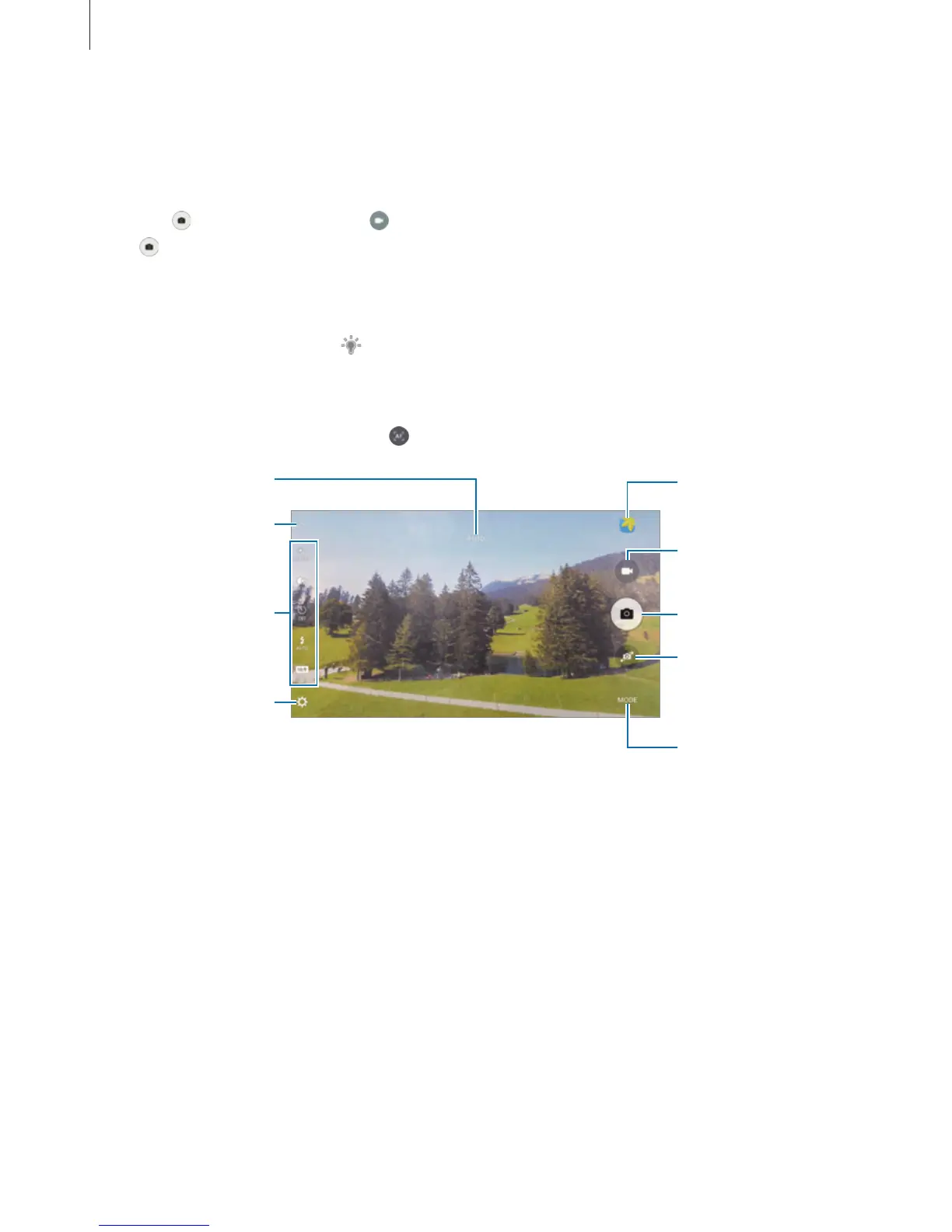
Camera settings
Hide or show the
setting icons.
Quick settings
Record a video.
Take a photo.
Switch between the
front and rear
cameras.
Shooting modes
Preview thumbnail














 To Next Page