Basics
41
Selecting notification items
Select items for providing notifications on the Edge screen via colour lighting and coloured
tabs while the device’s screen is facing downwards.
On the Apps screen, tap
Settings
→
Edge screen
→
Select notifications
, and then select
items.
Notification panel
Using the notification panel
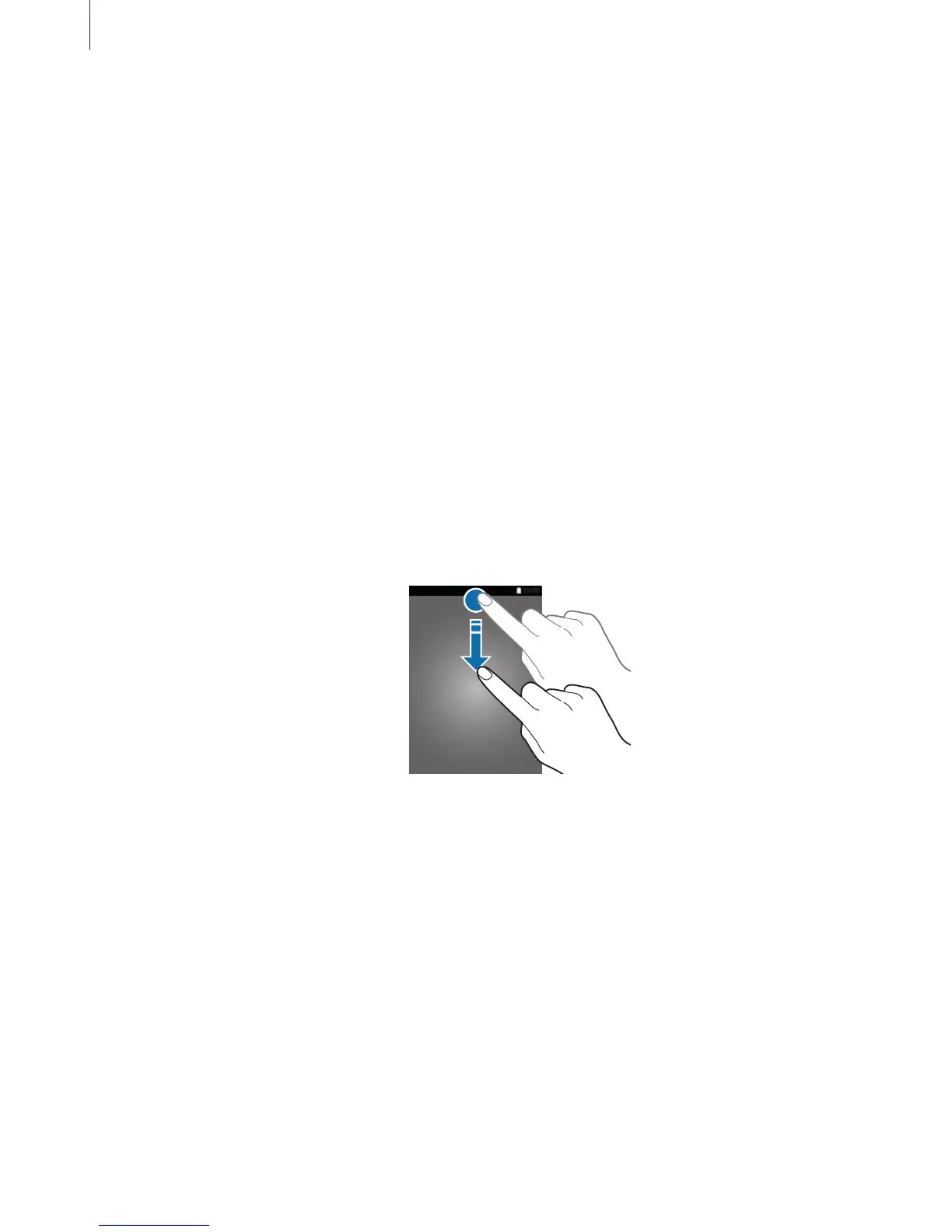
When you receive new notifications, such as messages or missed calls, indicator icons appear
on the status bar. To see more information about the icons, open the notification panel and
view the details.
To open the notification panel, drag the status bar downwards. To close the notification panel,
swipe upwards on the screen.














 To Next Page