Basics
31
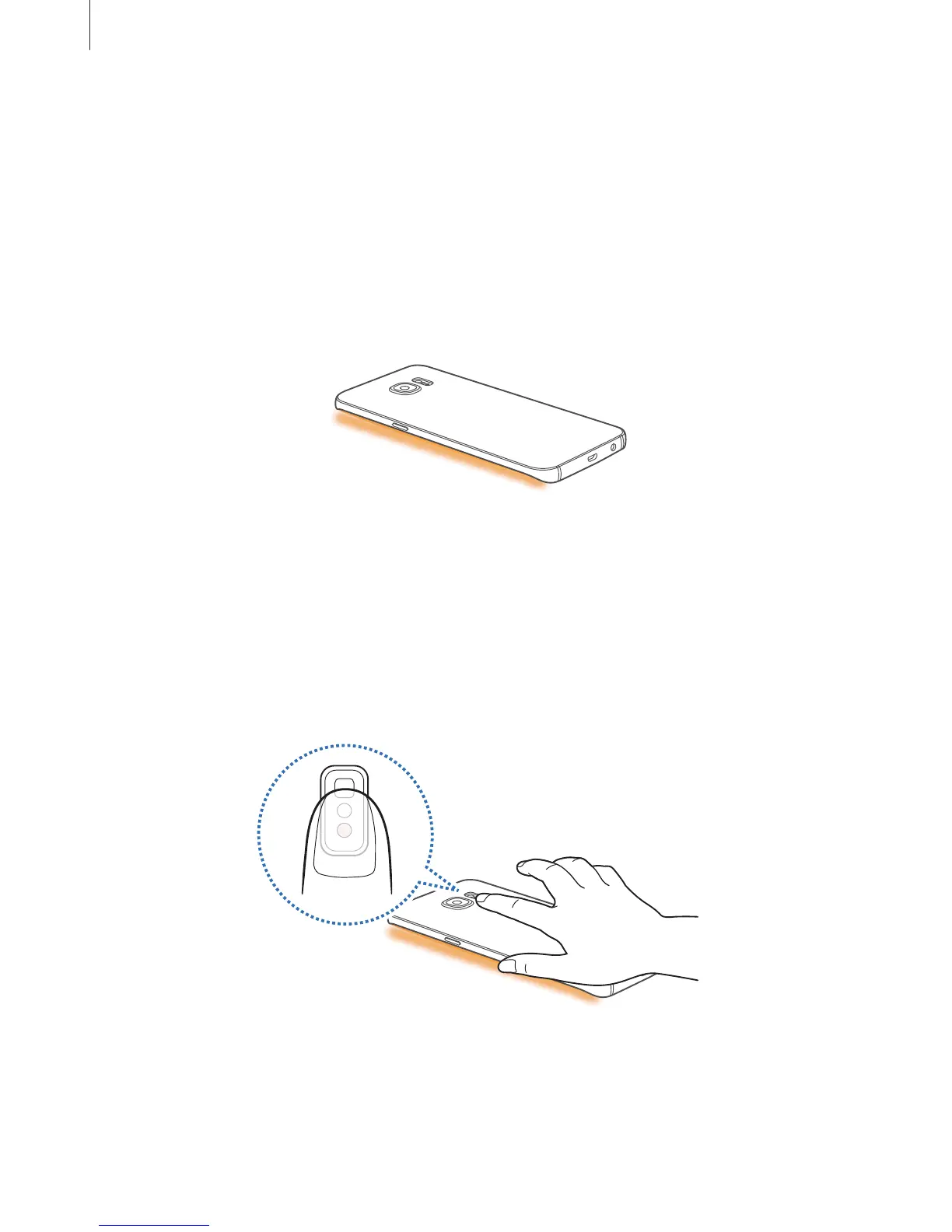
Edge lighting
The Edge screen lights up when you receive a call or notification while the device’s screen is
facing downwards.
On the Apps screen, tap
Settings
→
Edge screen
→
Edge lighting
, and then tap the switch
to activate it.
If you activate the People edge feature, the Edge screen lights up with an assigned colour
when you receive a call or a notification from your priority contacts. Refer to People edge for
activating the People edge feature.
Quick reply
You can reject incoming calls using custom rejection messages. While the device’s screen is
facing downwards, hold your finger on the sensor on the back of the device for two seconds
to reject calls.
On the Apps screen, tap
Settings
→
Edge screen
→
Edge lighting
→
Quick reply
, and then
tap the switch to activate it.
To edit the default rejection message, tap the message text under
Quick reply messages
.














 To Next Page