Applications
111
4
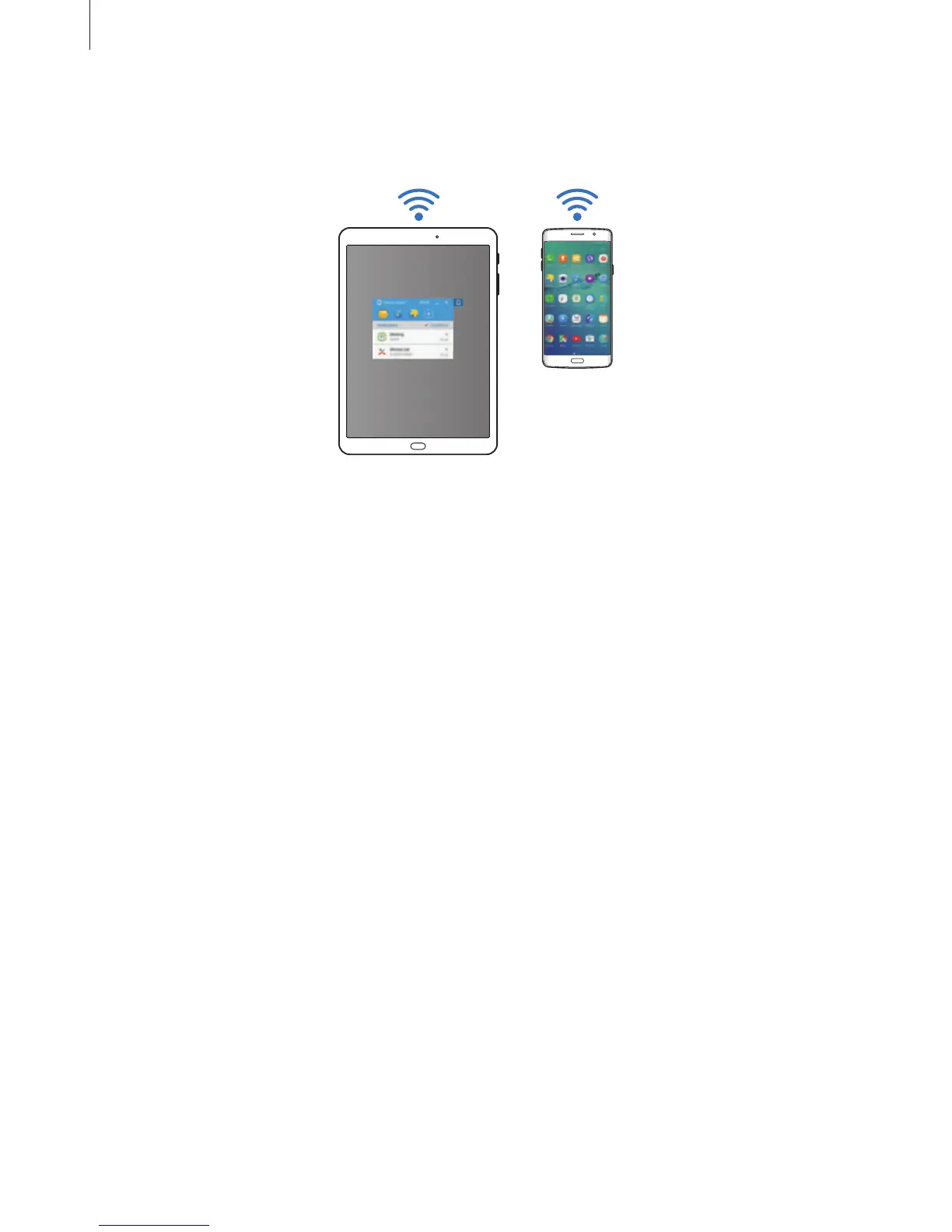
On the tablet, accept the connection request.
The dashboard will appear on your tablet.
Connecting devices automatically
When two devices have been previously connected, you can set them to reconnect
automatically. Connecting the devices via USB or Wi-Fi Direct automatically launches
SideSync
. If the devices are connected to the same access point, place them near each other
to connect them.
To stop using the auto connection feature, open the smartphone, tap
SideSync
→
MORE
→
Settings
, and then tap the
Auto connect devices
switch to deactivate it. Alternatively, on
the dashboard, tap
MORE
→
Settings
→
Connections
and deactivate the auto connection
feature.














 To Next Page