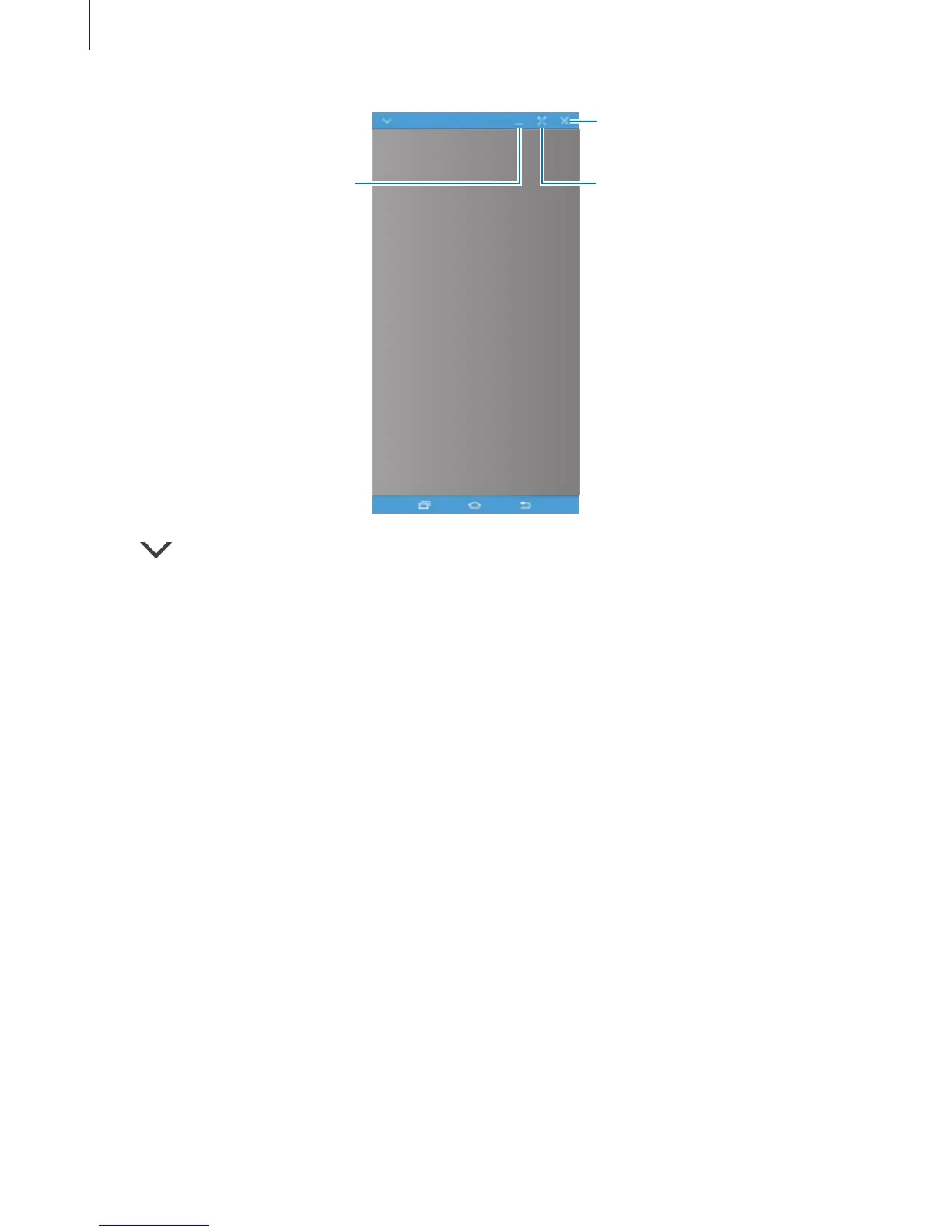
Minimise the virtual screen.
Maximise the virtual screen.
Tap to use the following options:
•
Always on top
: Set the virtual screen to always stay on top.
•
Rotate
: Rotate the screen.
•
Capture
: Capture a screenshot.
•
Enable Presentation mode
: Turn on the smartphone’s screen to control it from both
your computer and smartphone. This feature may not be available depending on the
connected device.
To move the virtual screen, click and drag the top of the virtual screen to a new location.
To adjust the size of the virtual screen, place the mouse pointer over the edge of the virtual
screen, then click and drag it.


 To Next Page
 Loading...










