Basics
51
Using additional options
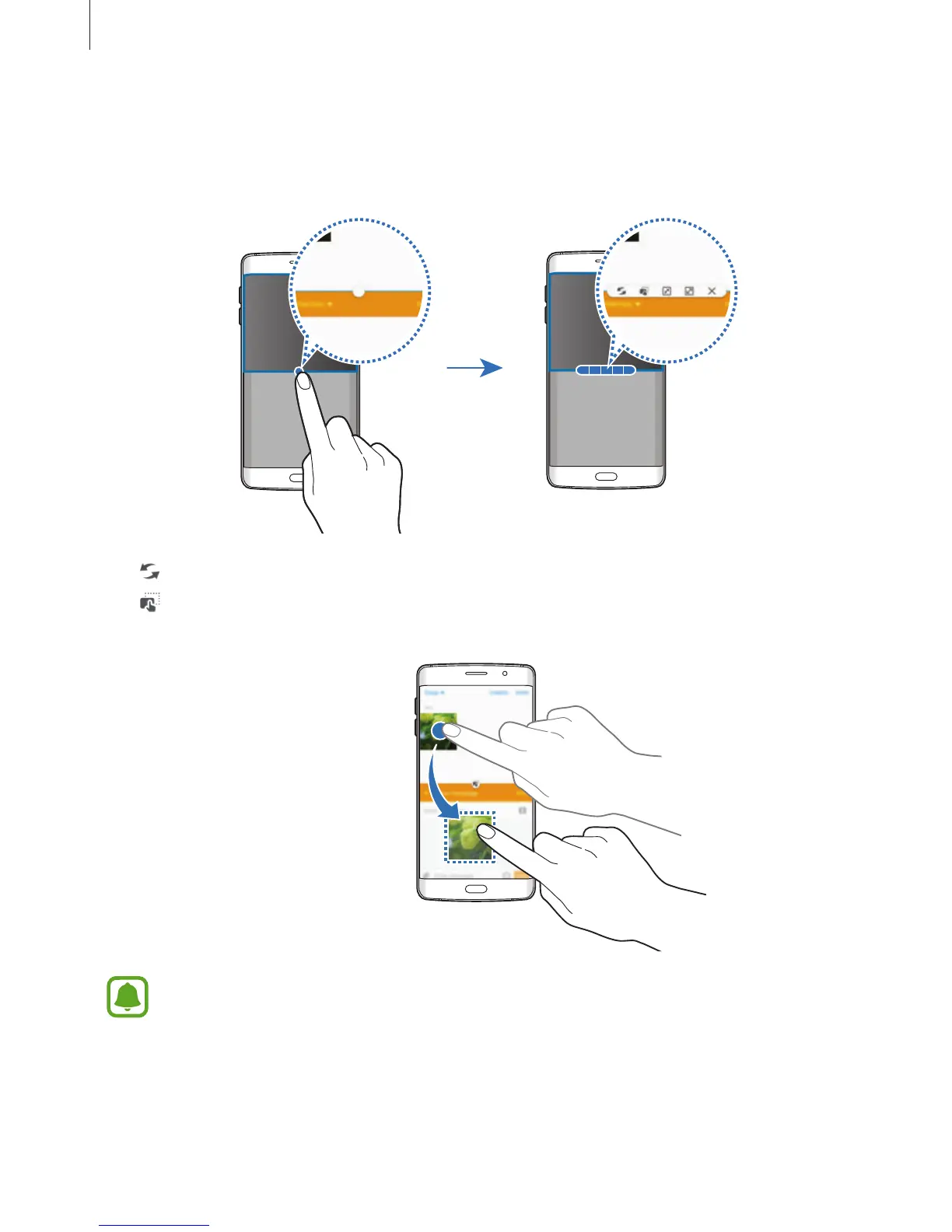
When using apps in the split screen view, select an app window and tap the circle between
the app windows to access the following options:
•
: Switch locations between app windows.
•
: Drag and drop text or copied images from one window to another. Tap and hold an
item in the selected window and drag it to a location in another window.
Some apps may not support this feature.














 To Next Page