Basics
53
Moving pop-up windows
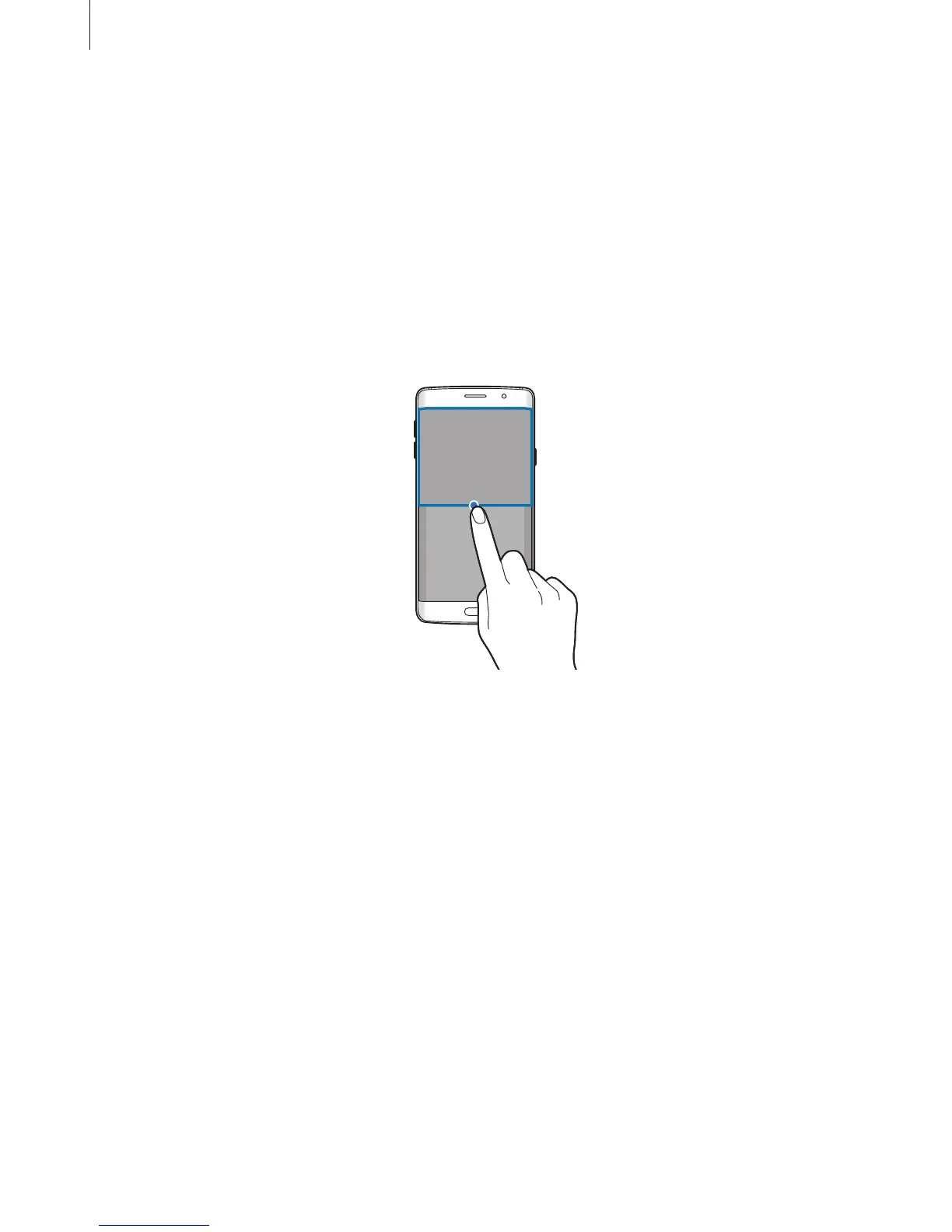
To move a pop-up window, tap and hold the circle on a window and drag it to a new location.
Launching the pop-up view from the split screen view
1
On the split screen view, tap an app window to launch it in the pop-up view.
2
Tap and hold the circle between the app windows.
The selected app will launch in a pop-up window.














 To Next Page