Basics
55
4
On your new device, select the previous device type from the list and tap
START
.
5
Follow the on-screen instructions to transfer data from your previous device.
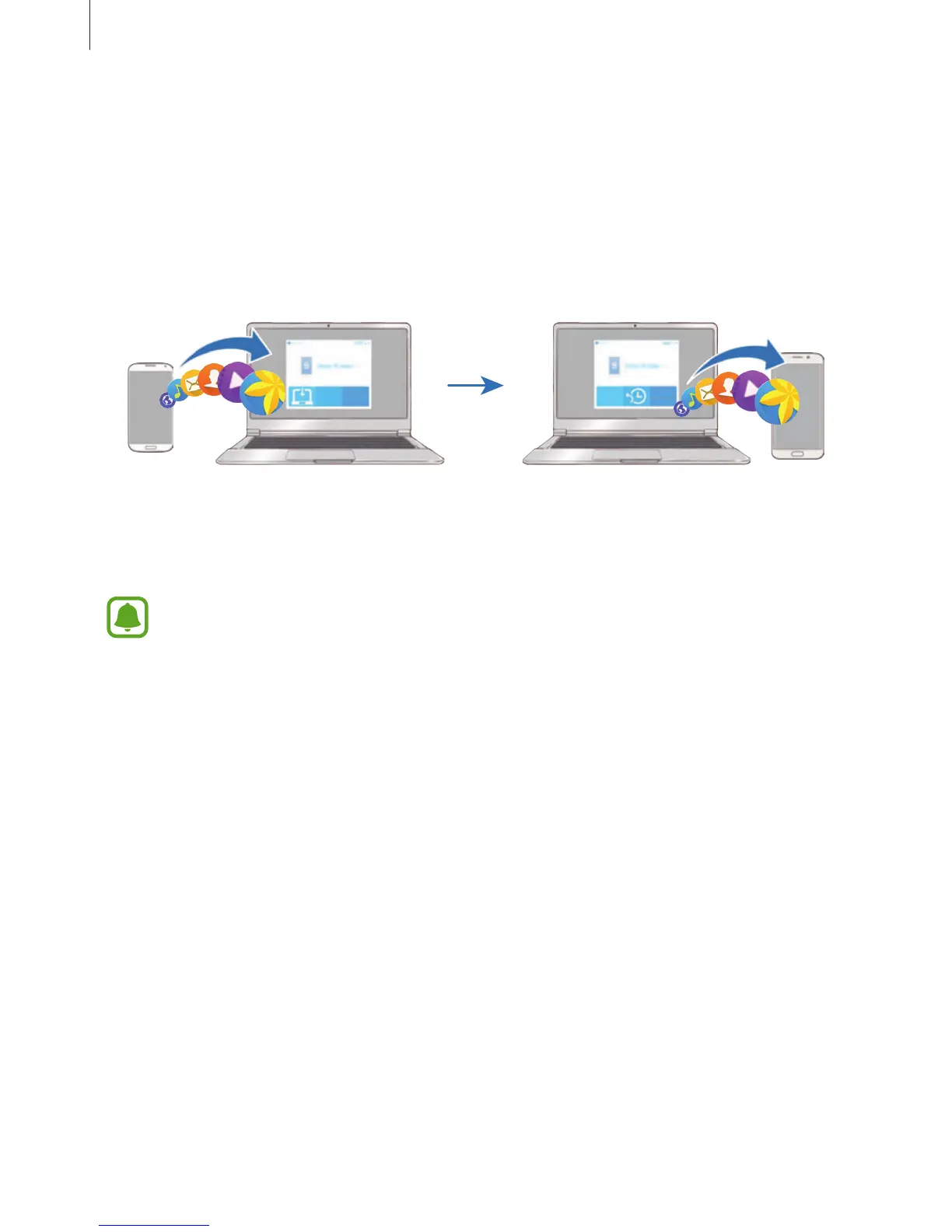
Transferring backup data from a computer
Back up data from your previous device to a computer and import the data to your new
device.
1
On the computer, visit www.samsung.com/smartswitch to download Smart Switch.
2
On the computer, launch Smart Switch.
If your previous device is not a Samsung device, back up data to a computer using a
program provided by the device’s manufacturer. Then, skip to the fifth step.
3
Connect your previous device to the computer using the USB cable.
4
On the computer, follow the on-screen instructions to back up data from the device.
Then, disconnect your previous device from the computer.














 To Next Page