Applications
85
Video collage
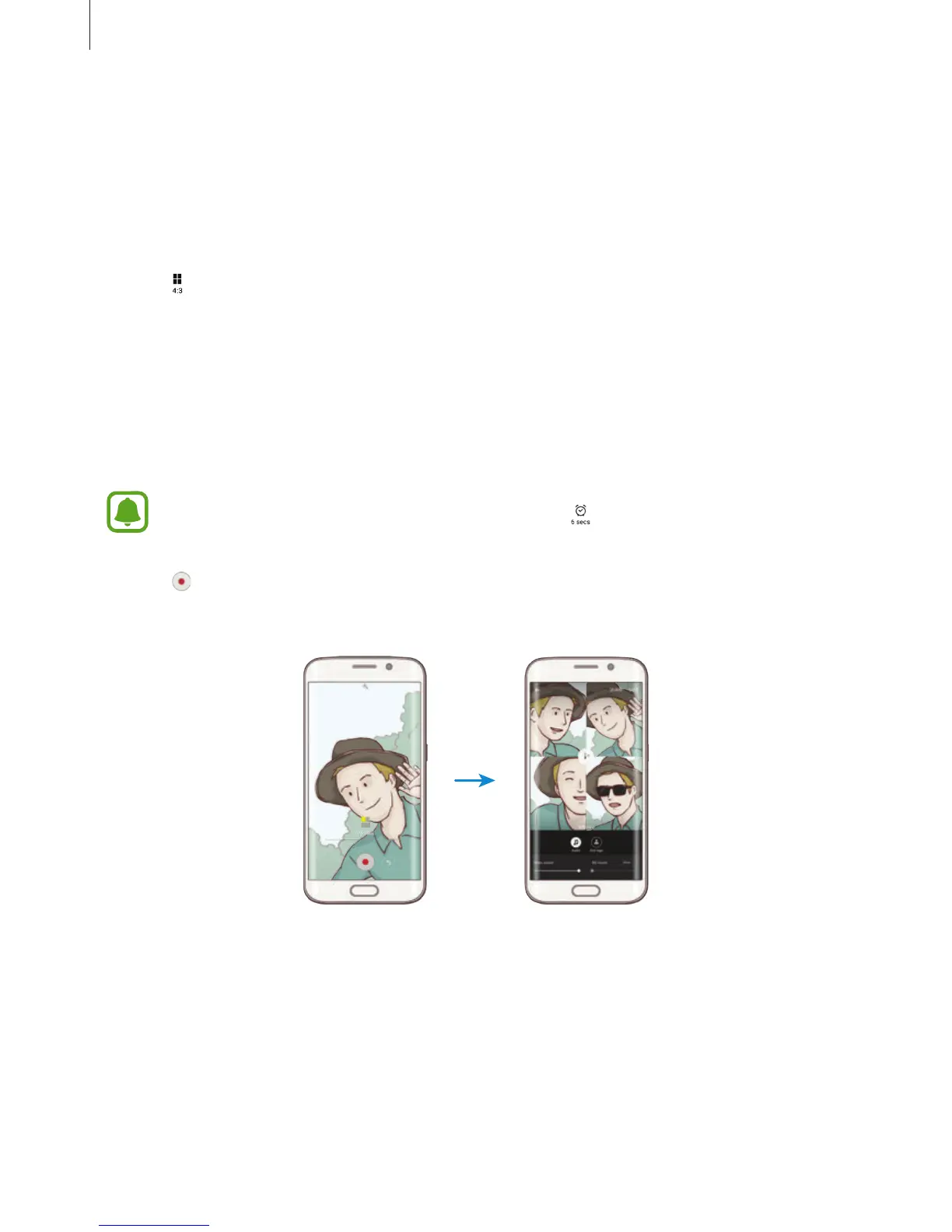
Record videos to create a unique video collage. You can edit the videos and share them with
others.
1
On the preview screen, tap
MODE
→
Video collage
.
2
Tap to select one of the following:
•
Collage
: Record several videos and combine them to play as a video collage. You can
select a collage type and change the screen ratio.
•
Series
: Select the screen ratio and record a series of videos containing various scenes.
While recording, pause recording and then resume recording to capture multiple
scenes.
•
Slow motion
: Record a video to view it in a slow motion video collage.
You can also select a recording time for videos. Tap and select an option.
3
Tap to start recording.
After you record a video, an editing screen appears.














 To Next Page