Applications
92
Selfie
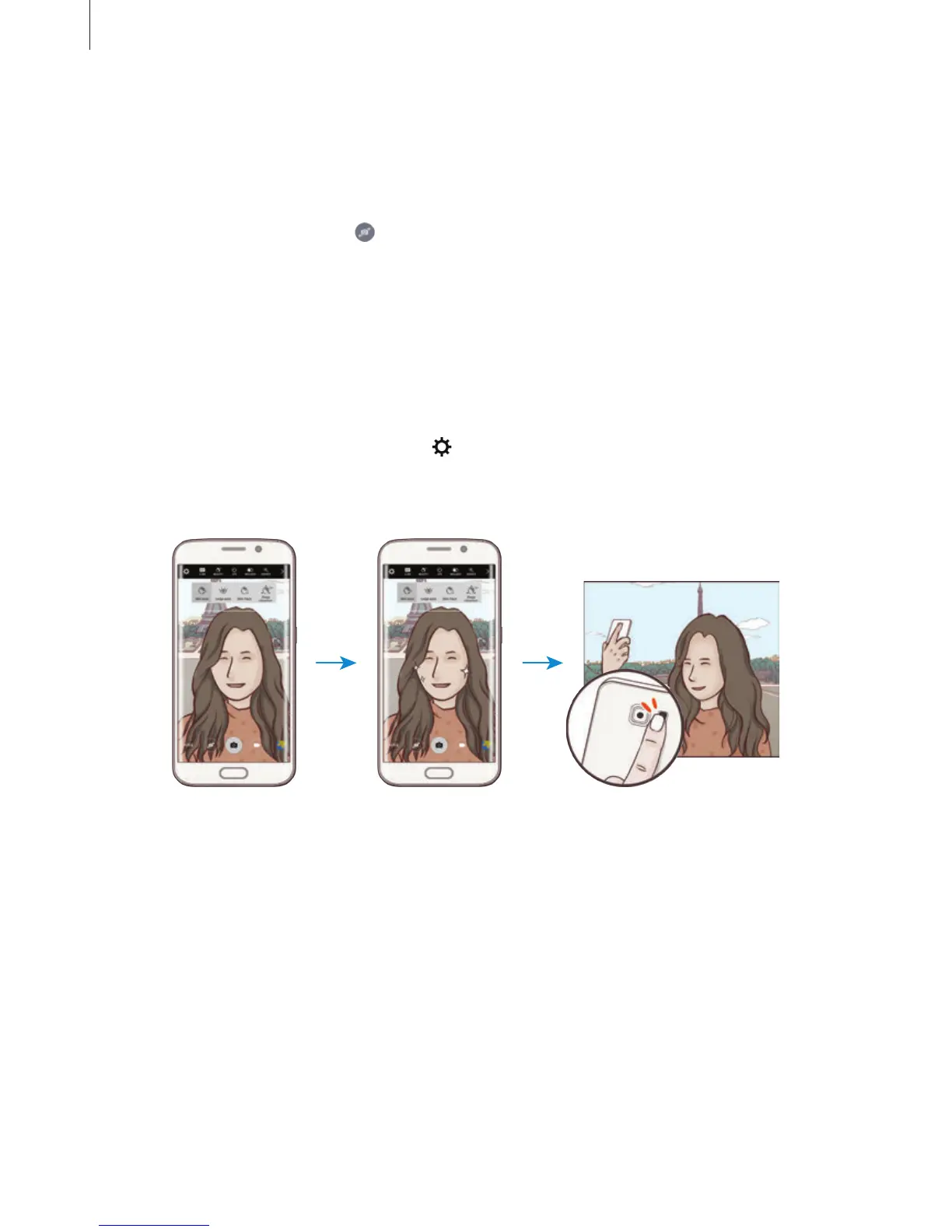
Take self-portraits with the front camera. You can preview various beauty effects on the
screen.
1
On the preview screen, tap to switch to the front camera for self-portraits.
2
Tap
MODE
→
Selfie
.
3
Face the front camera lens.
4
When the device detects your face, tap the sensor on the back of the device to take a
photo of yourself. You can also tap the screen to take a photo.
To take a photo using your palm, tap
and tap the
Gesture control
switch to activate it.
Show your palm to the front camera. After recognising your palm, the device will take a
photo after a few seconds.














 To Next Page