Applications
94
4
When the device detects your face, tap the sensor on the back of the device to take a
photo of yourself. You can also tap the screen to take a photo.
To take a photo using your palm, tap
and tap the
Gesture control
switch to activate it.
Show your palm to the front camera. After recognising your palm, the device will take a
photo after a few seconds.
5
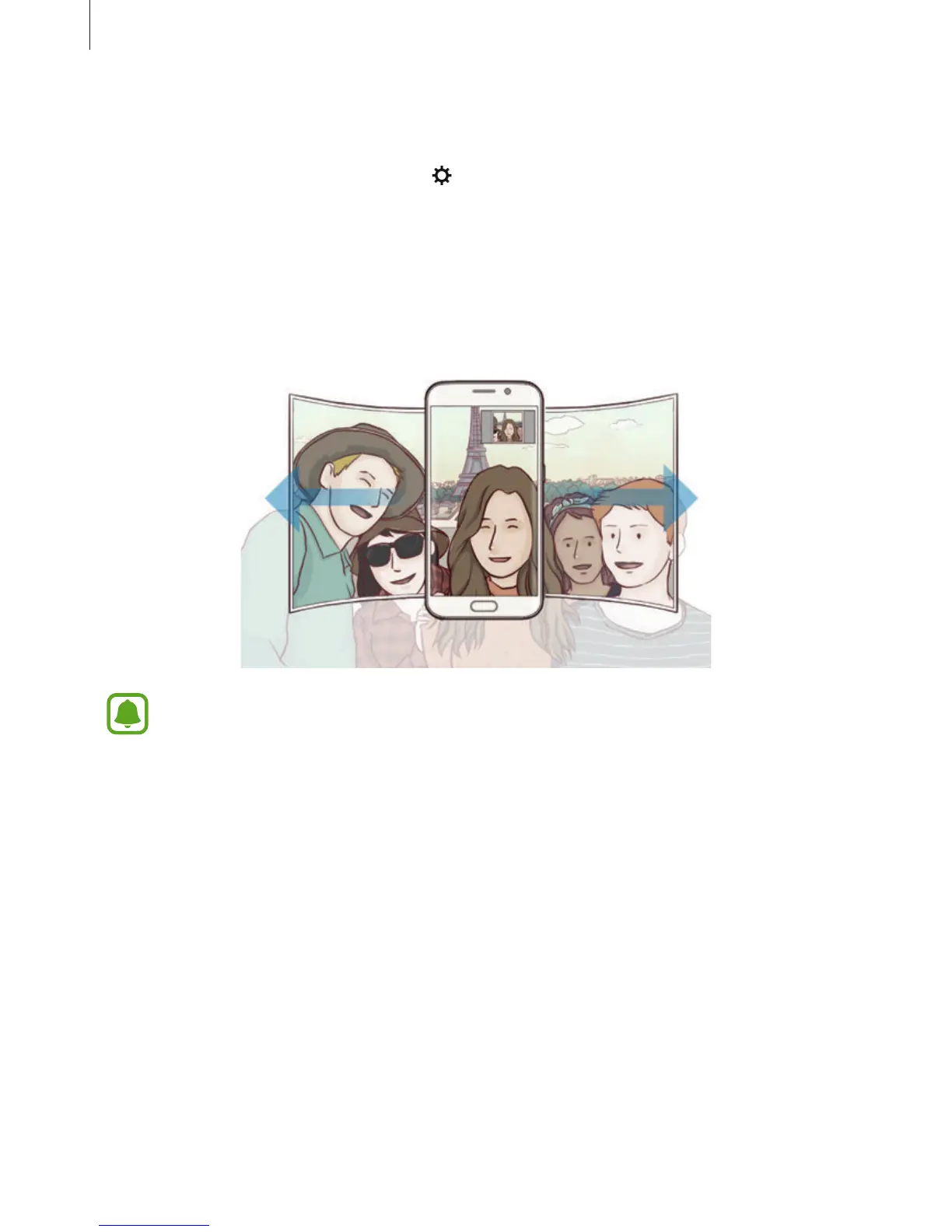
Slowly swivel the device left and then right or vice versa to take a wide self-portrait.
The device will take additional photos when the white frame moves to each end of the
viewfinder window.
•
Make sure to keep the white frame inside the viewfinder window.
•
The subjects should remain still while taking wide self-portraits.
•
The top and bottom parts of the image displayed on the preview screen may be
cut out of the photo depending on the shooting conditions.














 To Next Page