installation & connection
14_ installation & connection
Connecting to the RS-422/485 device
Connect the external device to the [D+, D-] ports.
You can connect and control PTZ camera that supports
RS-422/485 communication.
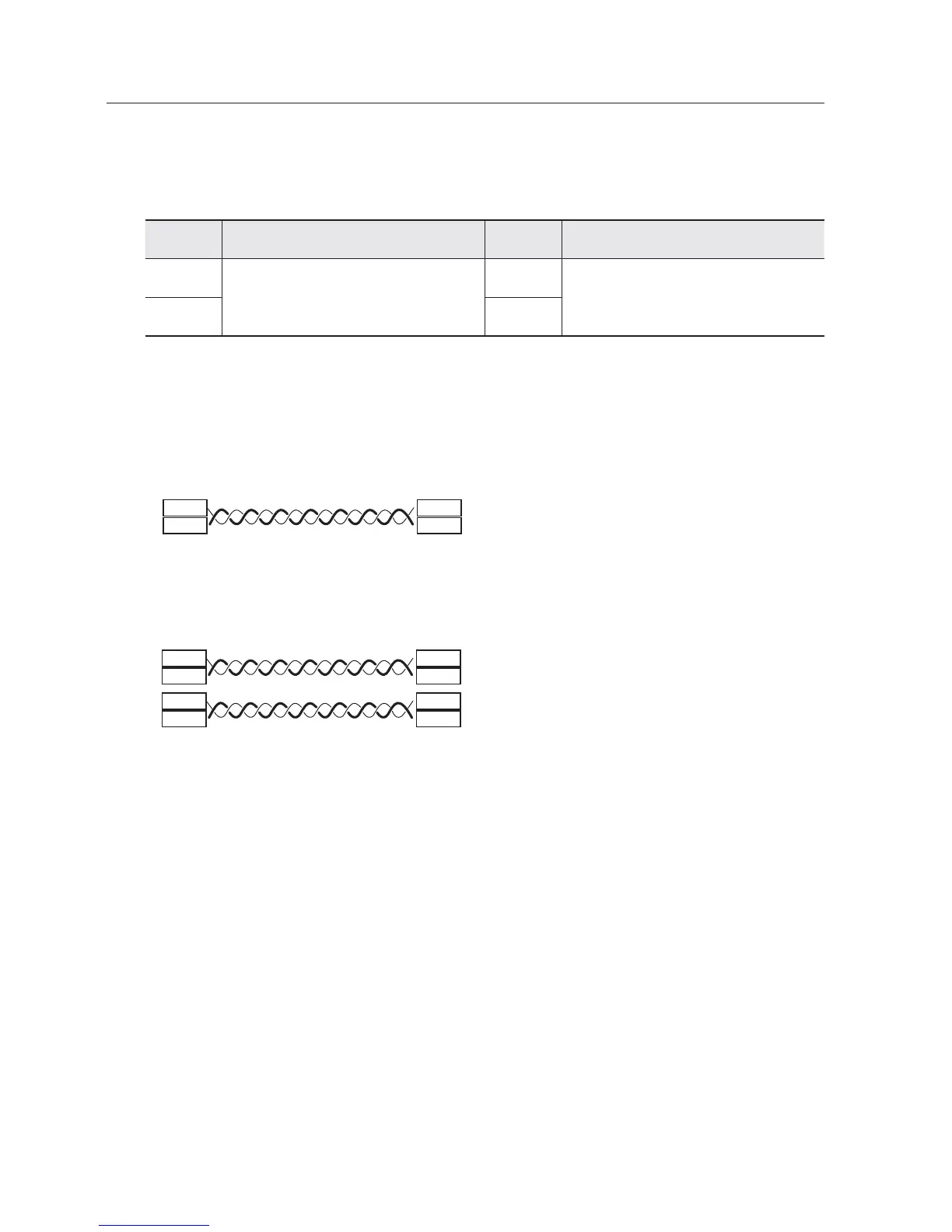
Port Description Port Description
TX+
RS-422 TX Data line
This is not available in RS-485 mode.
D+
RS-422 RX Data line or RS-485 Data line
TX– D-
Control Signal Connection
• RS-485 Communications
D+
D-
D+
D-
Video
Encoder Camera
• RS-422 Communications
D+
D-
TXD+
TXD-
TX+
TX-
RXD+
RXD-
Video
Encoder Camera
Depending on camera’s type, connection polarity can be different.
For further information, refer to the corresponding PTZ Camera’s documentation.



 To Next Page