setup screen
52_ setup screen
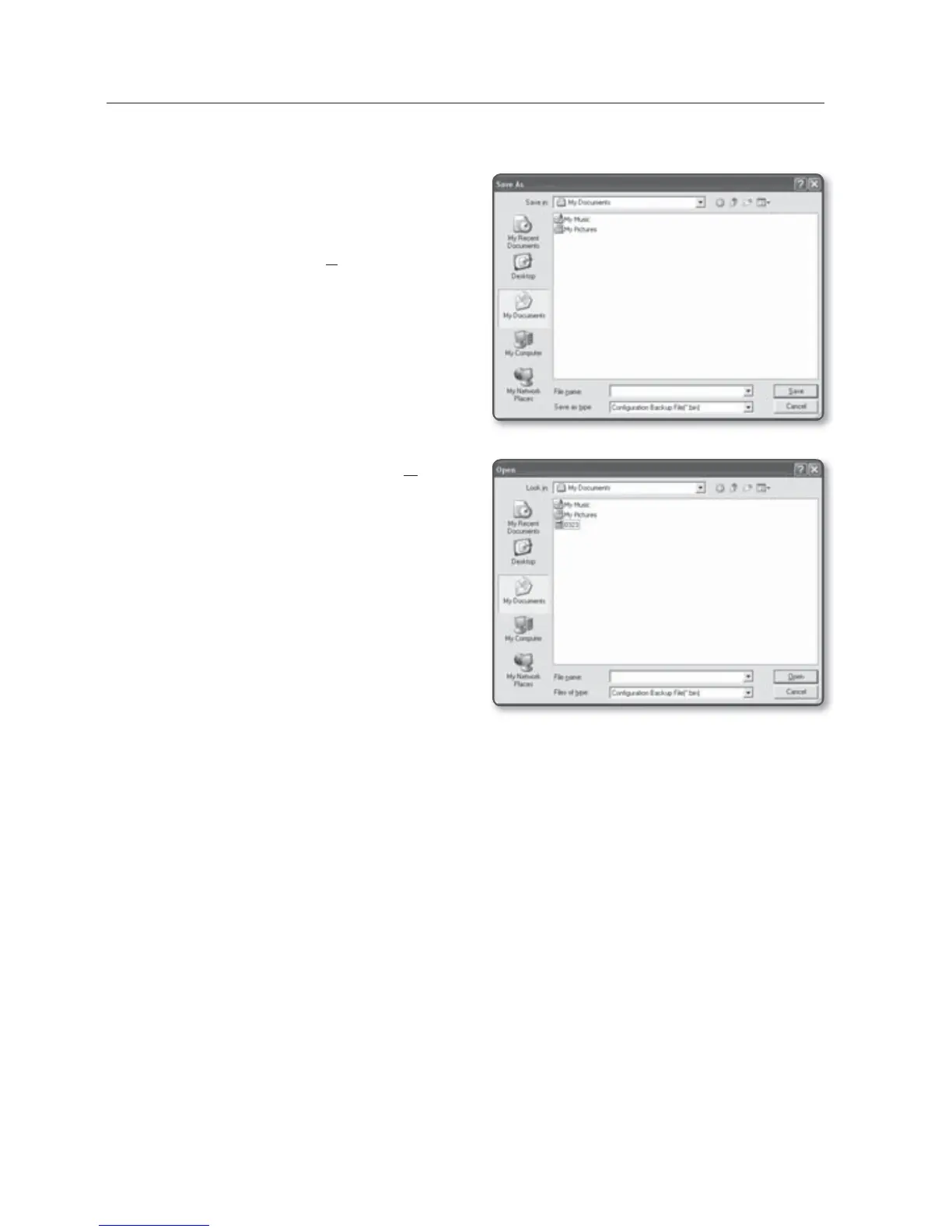
To save the current settings and restore the backup settings
1. Click [Backup].
The Save As dialog should appear.
2. Specify the backup path with a proper
file name, and click [Save].
The backup file will be saved to the
specified path in the format of “.bin”.
3. To restore the backup settings, click
[Restore].
4. Select a backup file and click [Open].
M
If you perform the backup or restoration,
the web browser will be closed and the
network video encoder will reboots.



 To Next Page