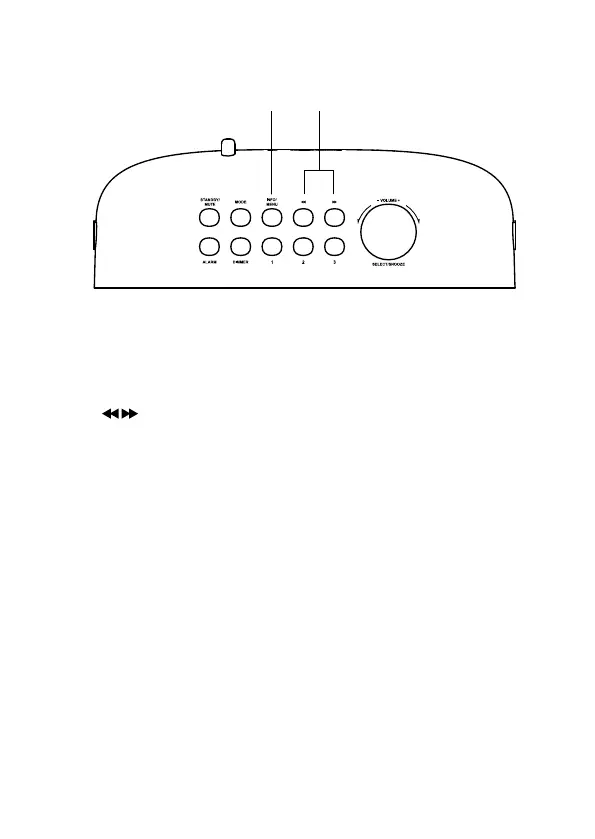
7. INFO/MENU Button
• Press repeatedly to show the information.
• Press and hold to enter the menu page.
8.
Button
• Press to skip backwards to the beginning of the track or to the
previous track in Bluetooth mode.
• Press to skip forwards to the next track in Bluetooth mode.
• Press to tune FM station.
• Press and hold to search for a radio station going forwards/
backwards through accessible radio frequencies in FM mode.
• Press to select DAB station.
87
12





 To Next Page