The appliance can obtain a very fine grind. You must however make sure, according to the
type of coffee used, that the burrs do not come into contact.
Step 2: Choosing the speed of the motor
For each recipe, the speed of the motor can be chosen from 1 to 100% of the speed range
of the motor.
The flow is linked to the choice of the speed. Always adjust the operating time after having
modified the motor speed.
Step 3: Setting the dose of ground coffee (timers)
Clean the ground coffee outlet conduit (13) on a regular basis to prevent blocks of coffee
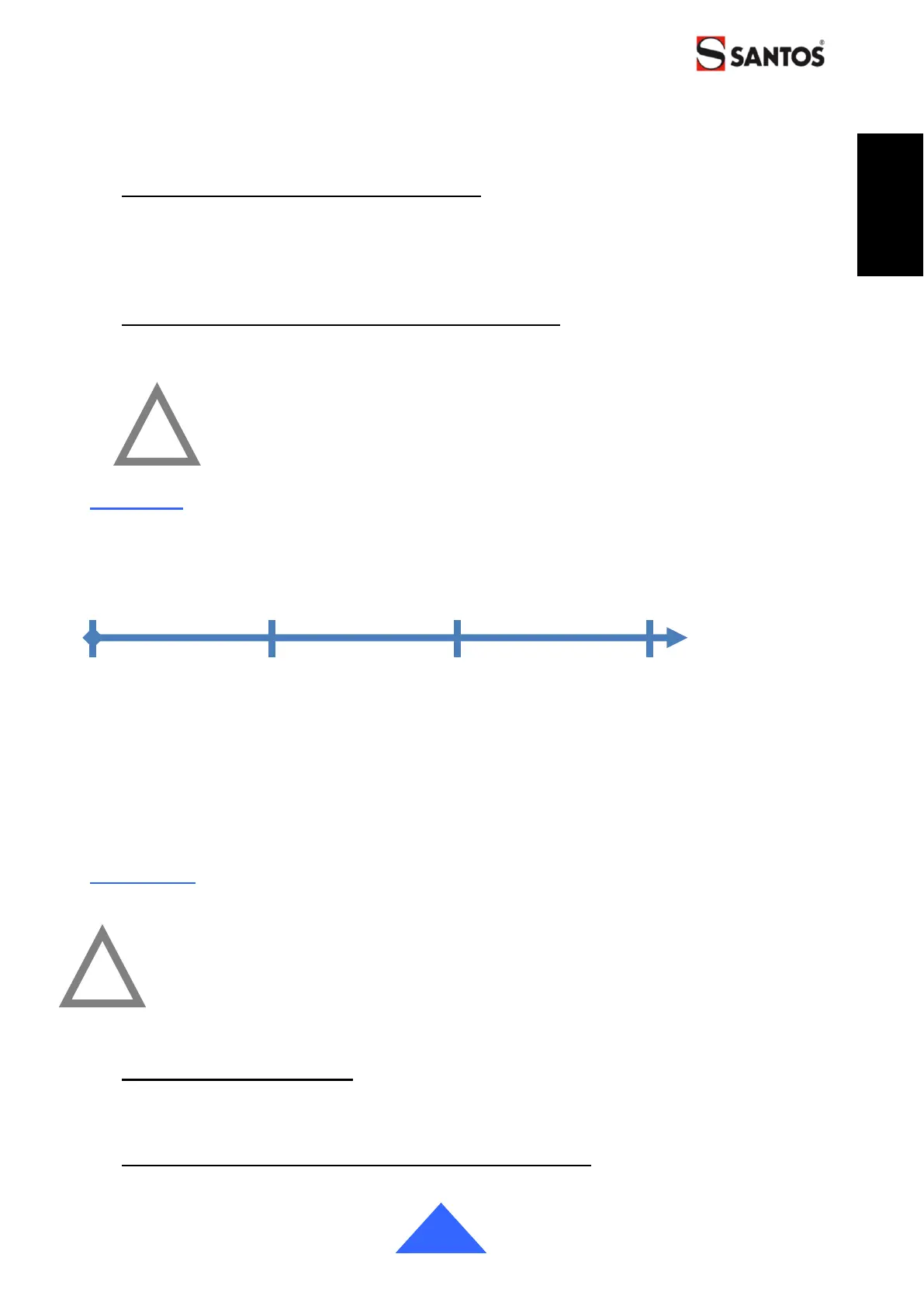
agglomerated on the walls from disturbing the regularity of the dosing of the coffee. (fig. A)
IMPORTANT: Verify or adjust the grind setting before setting the timer
of each recipe.
STANDBY
The appliance has 2 standby modes and an automatic stop mode that reduce power
consumption.
After inactivity that can be set from 1 to 20 minutes, the appliance goes into standby for 1
hour. The display is dimmed automatically.
Prolonged standby turns off the screen. A LED blinks intermittently.
The prolonged standby time can be set from 0 to 8h. The appliance turns off automatically
after the prolonged standby time.
Note: The value of "0" allows the appliance to be turned off after 1 hour on standby.
CLEANING
IMPORTANT!
• In all cases, unplug the appliance power cord (7).
• The appliance must not be cleaned with a water jet or water under
pressure.
• The appliance must not be washed in the dishwasher.
Cleaning the Bean hopper
Clean the bean hopper (2) with a soft cloth or with a non-abrasive sponge and standard
household washing-up liquid.
Quick access to the grinding body and anti-static tab
The appliance has a quick access system to the grinding body without modifying the grind


 To Next Page