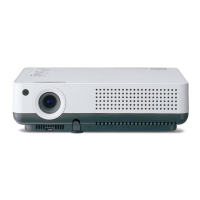
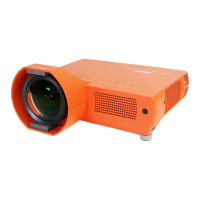
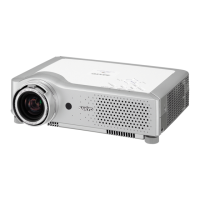
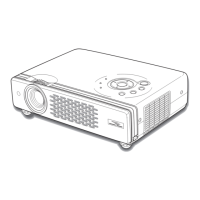
Overview
To insure safe operation, please observe the following
precautions :
– Do not bend, drop the remote control or expose
Remote Control to moisture or heat.
– For cleaning, use soft dry cloth. Do not apply
benzene, thinner, splay or any chemical material.
y
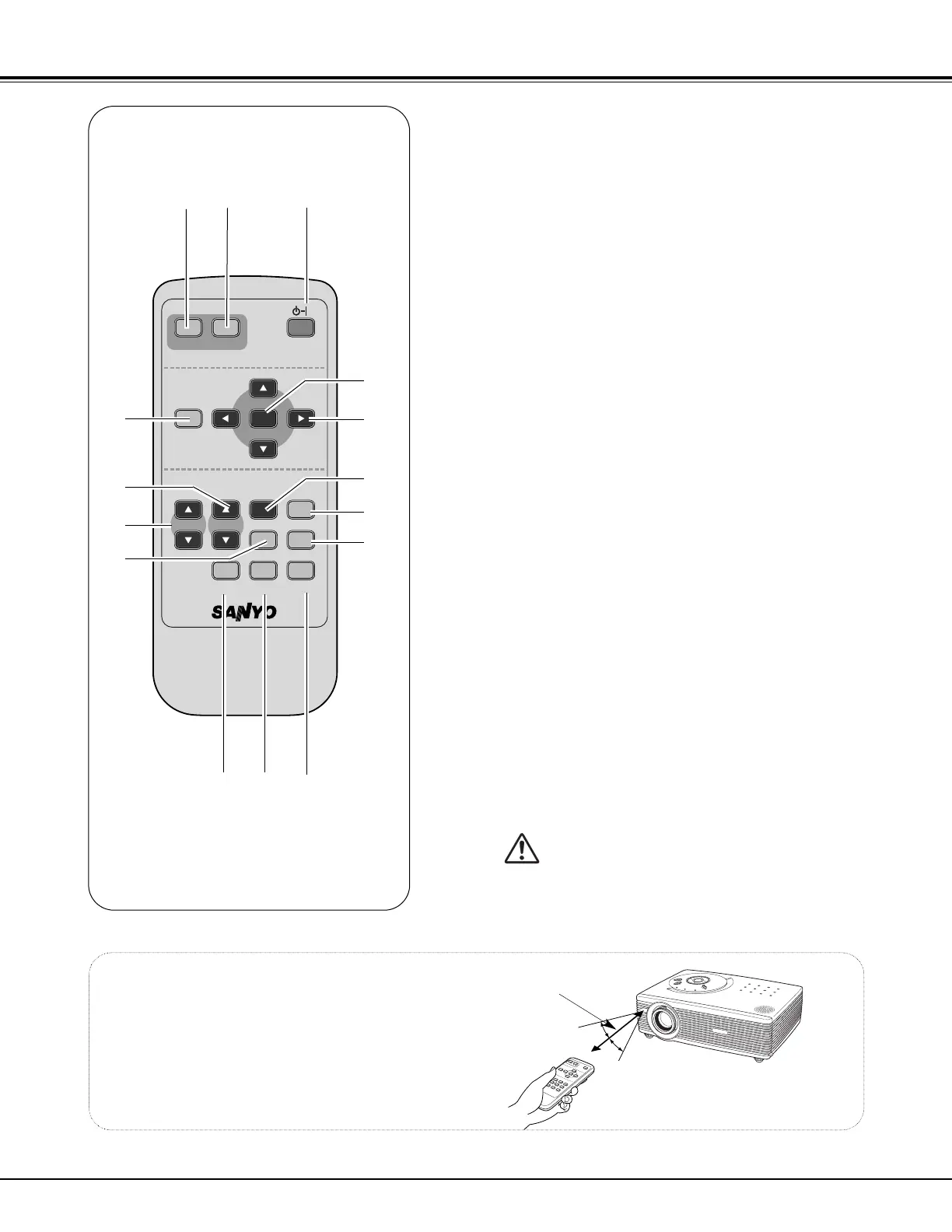
Point the remote control toward the projector
(Receiver Window) when pressing any button.
Maximum operating range for the remote control is
about 16.4’ (5m) and 60° in front of the projector.
16.4’
(5 m)
e
oi
!4
!5
u
t
r
!1
!3
!2
q POWER ON-OFF button
Turns the projector on or off. ( ☞ P19 )
w VIDEO button
Selects VIDEO input source. ( ☞ P30 )
e COMPUTER button
Selects COMPUTER input source. ( ☞ P22 )
r MENU button
Opens or closes the On-Screen Menu. ( ☞ P17 )
t PAGE
eedd
button
Scroll back and forth pages on the screen when giving a
presentation. ( ☞ P10, P38 )
!0
y D.ZOOM
eedd
button
Select the Digital zoom +/– mode and resize the image.
( ☞ P29 )
u AUTO PC button
Automatically adjusts a computer image to its optimum
setting. ( ☞ P24 )
i IMAGE button
Selects image level. ( ☞ P27, P33 )
o FREEZE button
Freezes the picture. ( ☞ P20 )
!0
MUTE button
Mutes the sound. ( ☞ P21 )
!1
P-TIMER button
Operates the P-timer function. ( ☞ P21 )
!2
NO SHOW button
Temporarily turns off the image on the screen. ( ☞ P21 )
!3
KEYSTONE button
Corrects the keystone distortion. ( ☞ P20, P36 )
Operating Range
!4 Point
eedd 77 88
( VOLUME
+ / –
)
buttons
– Select an item or adjust value in the On-Screen Menu.
(
☞ P17 )
– Pan the image in DIGITAL ZOOM +/– mode. ( ☞ P29)
– Adjust volume level. (Point Left/Right buttons)( ☞ P21)
!5 Select button
– Executes the selected item. ( ☞ P17 )
– Expands / compresses the image in Digital Zoom mode.
( ☞ P29 )
qw
Remote Control


 To Next Page
 Loading...