Control of W-ECO MULTI SYSTEM
3
TD831077
III - 23
2. Optional Controller (remote controller)
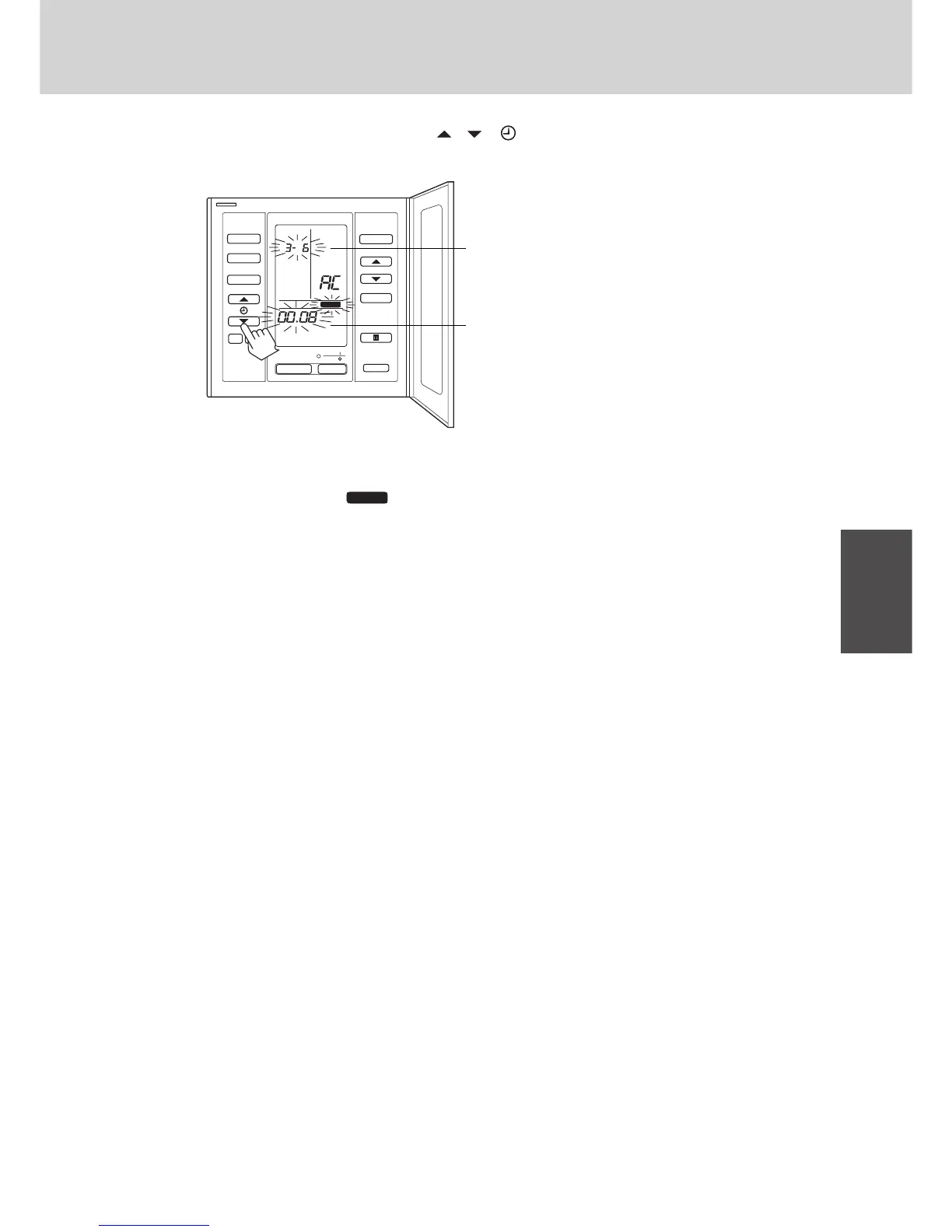
e Set the required new indoor No. by pressing the , ( ) button.
f Press the SET button.
UNIT No, SET DATA (0008) and
SETTING
changes from flashing to ON state.
g If you make mistake press the CL button.
h Finally, press the TEST / CHK button.
i If you want to change the indoor unit address of the other R.C. No., follow the step a to h in the same way.
SET CL
MODE
FAN SPEED
ON
OFF
•
•
SET TEMP.
UNIT
FLAP
AIR FLOW
R.C. No.
SET
No.CODE
TIMER SET
DATA
SETTING
TEST / CHK
795_8132
Ex: UNIT No. 3-6: current registed the indoor unit address
Required new indoor No.8: SET DATA
*
In this case, UNIT No. 3 – 6 (current)
↓
3 – 8 (NEW : after pressing the
TEST / CHK button)



 To Next Page