SARK
SARKSARK
SARK-
--
-110
110110
110
User’s Manual
Rev 1.2.6 October 3
rd
, 2015 - 30 - © Melchor Varela – EA4FRB 2011-2015
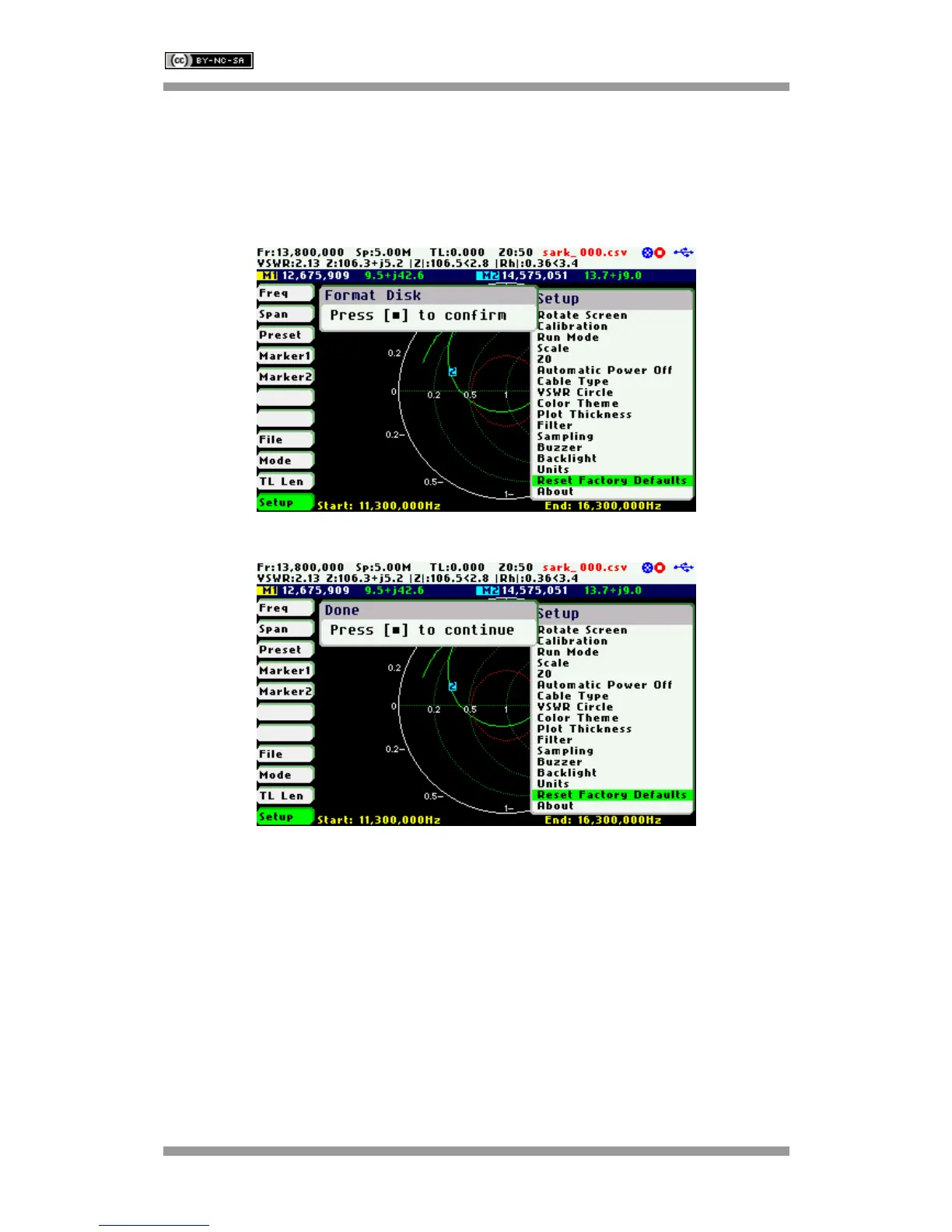
The internal disk drive can be optionally formatted. Press the Select [■] button to format the disk
or any other button if only a reset to factory defaults is required.
It is recommended that the disk contents are backed up to a PC as most of the files will be lost
during the format. Only the Detector Calibration file (detcalib.dat) and the file associated with the
selected OSL Calibration profile are preserved.
Setup – About
The About screen displays copyright information, firmware release number, disk size and free
space.



 To Next Page