SARK
SARKSARK
SARK-
--
-110
110110
110
User’s Manual
Rev 1.2.6 October 3
rd
, 2015 - 50 - © Melchor Varela – EA4FRB 2011-2015
12 Computer Control Mode
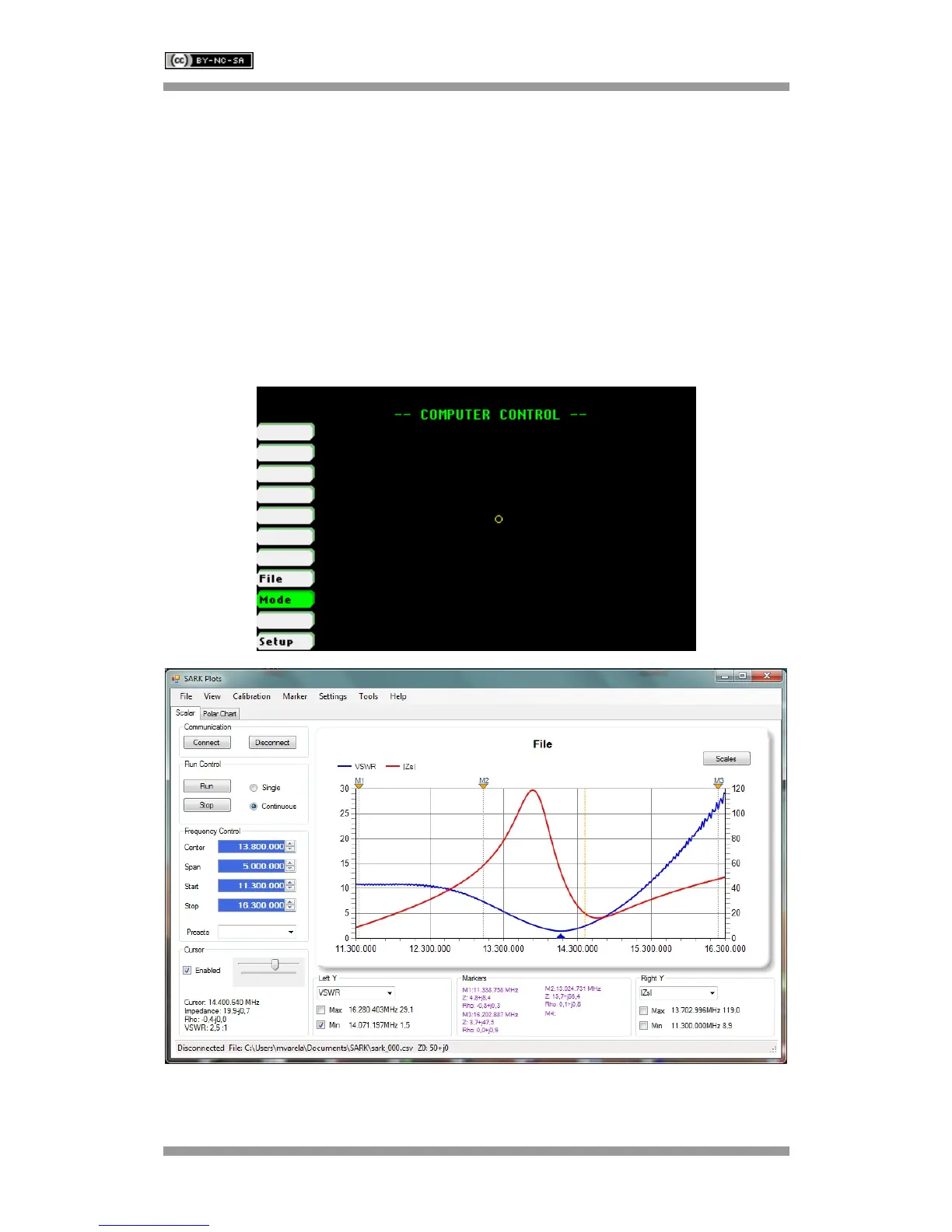
The SARK-110 can be operated from a personal computer using SARK Plots client software for
Windows, further enhancing the capabilities of the instrument. There is no need to install a
dedicated driver since the communication is implemented using the standard USB HID interface.
Use Navigator A to highlight «Mode» in the main menu. Press the Select [■] button to activate
the Mode popup submenu and use Navigator B to highlight «Computer Control» submenu mode
option. Finally press the Select [■] button to enter into Computer Control mode.
The analyzer establishes the USB link when it is connected to a personal computer but only
accepts commands from the client in Computer Control mode.



 To Next Page