SARK
SARKSARK
SARK-
--
-110
110110
110
User’s Manual
Rev 1.2.6 October 3
rd
, 2015 - 45 - © Melchor Varela – EA4FRB 2011-2015
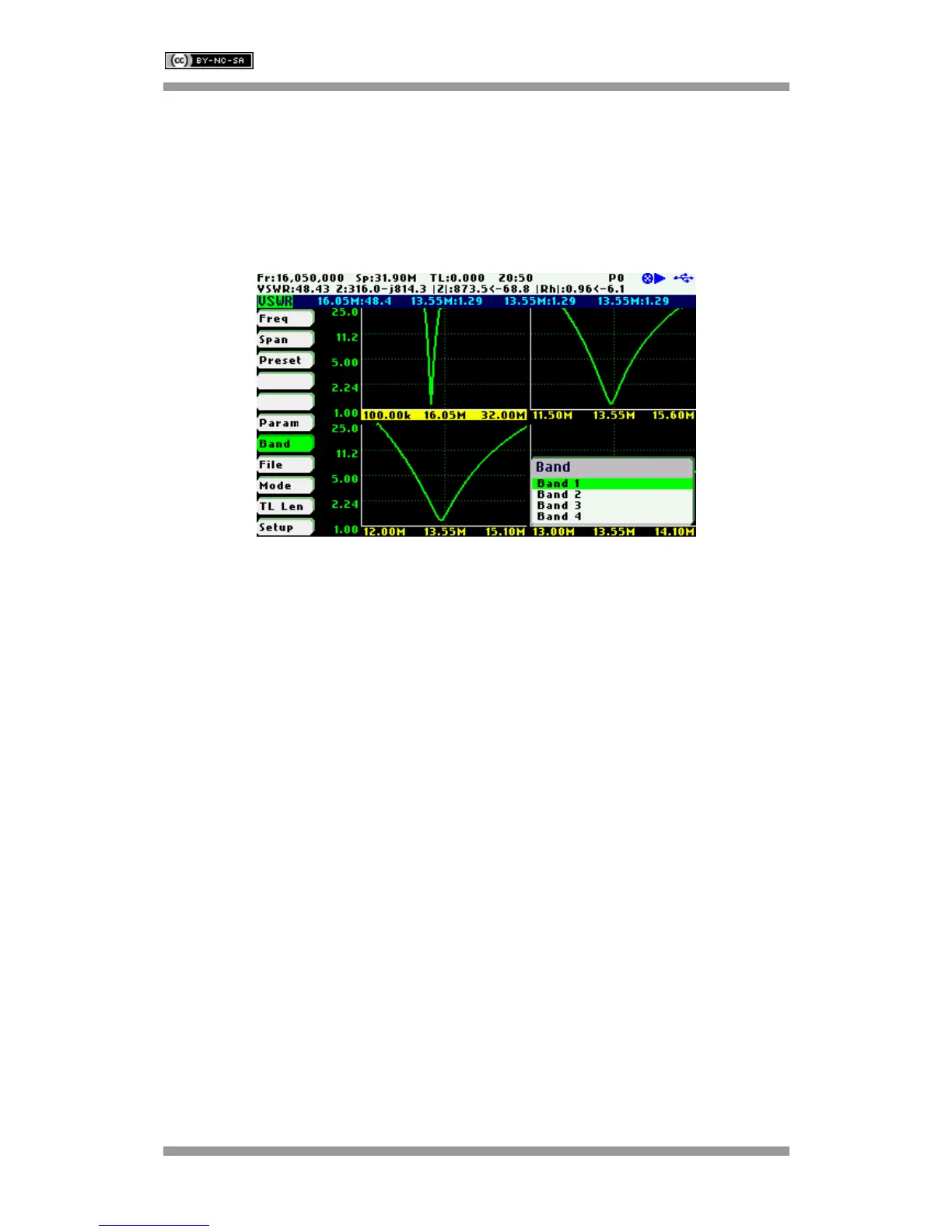
Operation is similar to the scalar chart mode but with some limitations such as unavailability of
markers, there is only a single trace and load and save data file operations are not available.
The main menu «Band» option permits selecting the active band. The selected band is
highlighted in the frequency axis of the band graph. Frequency and span settings are applied to
the selected band. The detailed measurements at the top of the screen correspond to the
selected band as well.



 To Next Page