SARK
SARKSARK
SARK-
--
-110
110110
110
User’s Manual
Rev 1.2.6 October 3
rd
, 2015 - 77 - © Melchor Varela – EA4FRB 2011-2015
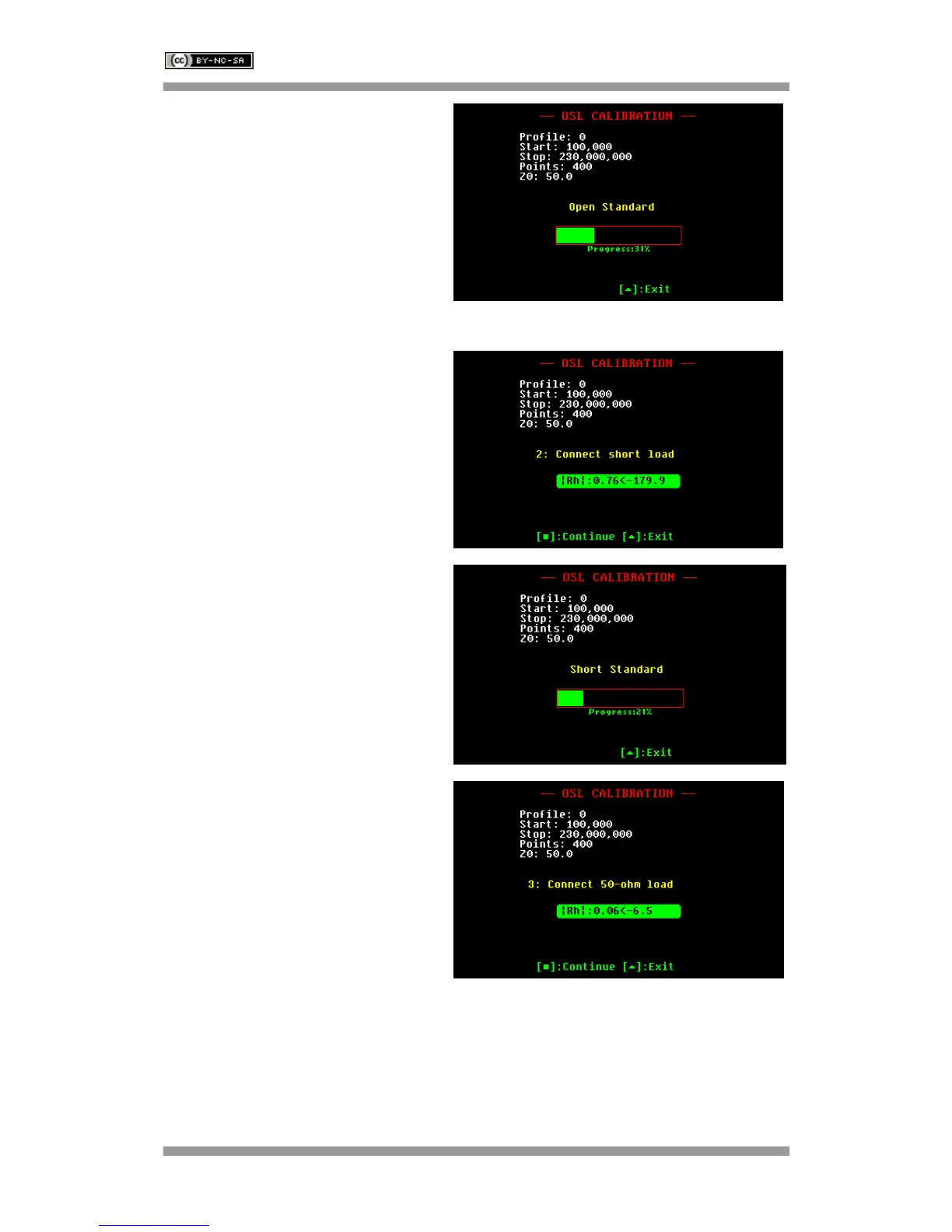
The calibration progress will be shown in
the display bar.
Connect the short-circuit load.
Load status is indicated by the color of the
|Rh| indicator. Green denotes load good
status.
Press the appropriate button to continue,
or to exit.
The calibration progress will be shown in
the display bar.
Connect the reference load.
Load status is indicated by the color of the
|Rh| indicator. Green denotes load good
status.
Press the appropriate button to continue,
or to exit.



 To Next Page