SATEL ACU-280 33
ACU-220
8
8
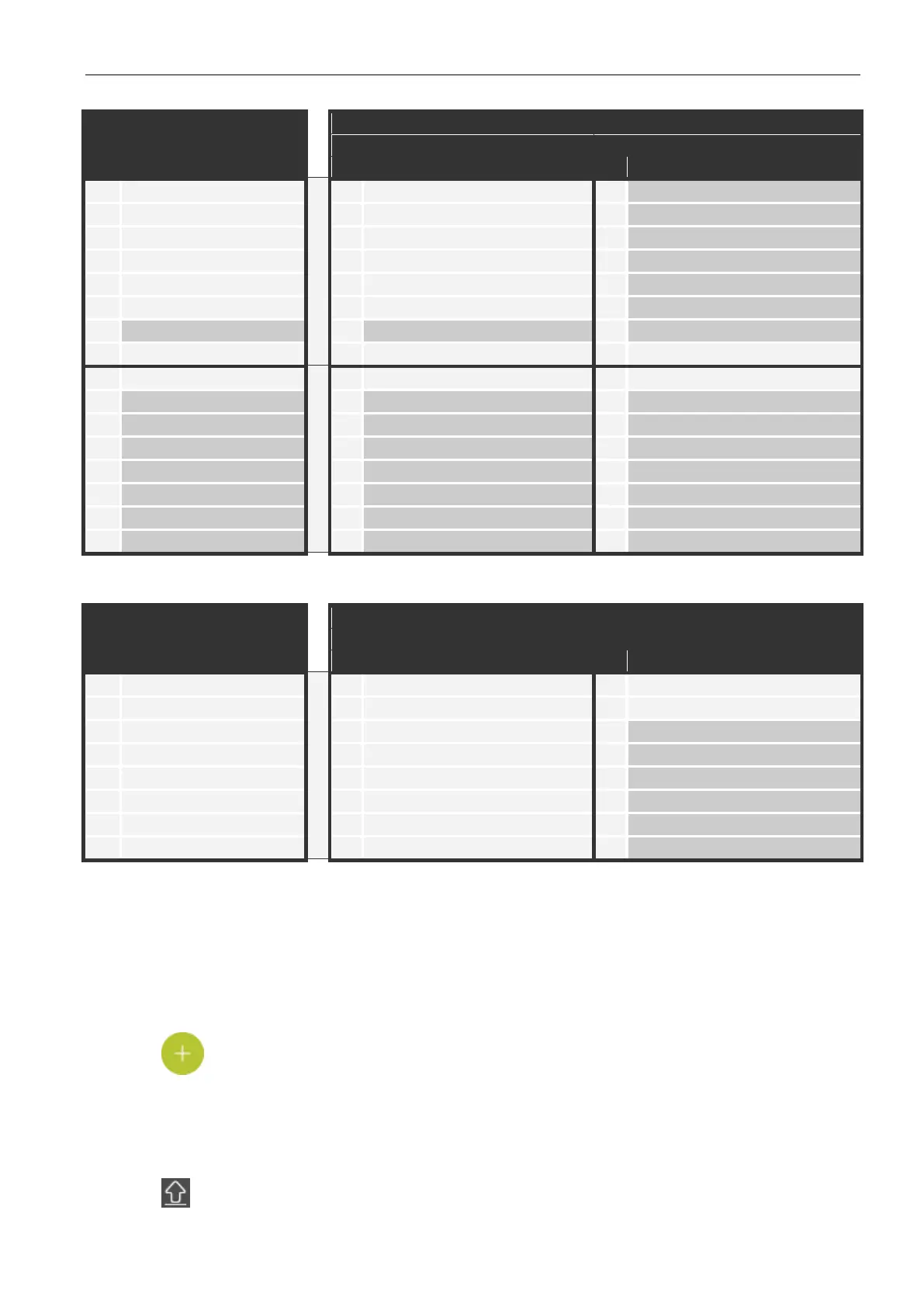
Table 6. Example of ABAX 2 devices registered incorrectly.
ACU-220
8
Table 7. Example of ABAX 2 devices registered correctly.
7.1.2.1 Adding new wireless devices
Adding a wireless keypad
1. Click the “Hardware” tab.
2. Click one of the unused keypads. Address of this keypad will be assigned to the wireless
keypad after the adding procedure is finished.
3. Click . The wireless device adding panel will be displayed.
4. In the “Serial no.” field, enter the serial number of the keypad.
5. Press any key on the keypad being added.
6. When the “Device's data read” message will be displayed, click “OK”. The wireless device
adding panel will close.
7. Click to save changes.


 To Next Page