CA-10 SATEL
17
Example: changing the access code from [1234] to [7890]
[1234] [
*
] - calling the „user function” mode confirmed by one short beep and blinking
of LEDs ALARM, ARMED and TROUBLE.
[1] - calling the „change access code” function, confirmed by two short beeps.
[7890] [#] - entering the new code digits and their acceptance confirmed with four short
and one long beeps.
User (code) add [CODE][
*
][2]
This function is only available to the master user. It makes possible to add new users to
a partition, assign an access code to them and determine their authority level.
After calling the function, the panel waits for a new user access code to be entered (4 to
6 digits after which the [#] key should be pressed), followed by one more digit (0 to 9) to
determine the new user authority level.
As new users are being added to the partition, the panel automatically assigns
consecutive numbers to them. Any partition can accept up to 12 users (besides the
master user).
In
the LED keypad
the number of the user being programmed is indicated by one of the
zone LEDs blinking. The illuminated LEDs indicate current users, the extinguished ones
- empty items.
In
the LCD keypad,
the control panel will display the number of the new user. The new
user's access code can be edited with additional arrow keys. After confirming the new
access code with the [#] key and confirming its authority level, the keypad displays the
current name of the user, for example "Part.1 user 1". It can be changed by entering
new name (max. 16 characters) or confirmed by pressing [#] key.
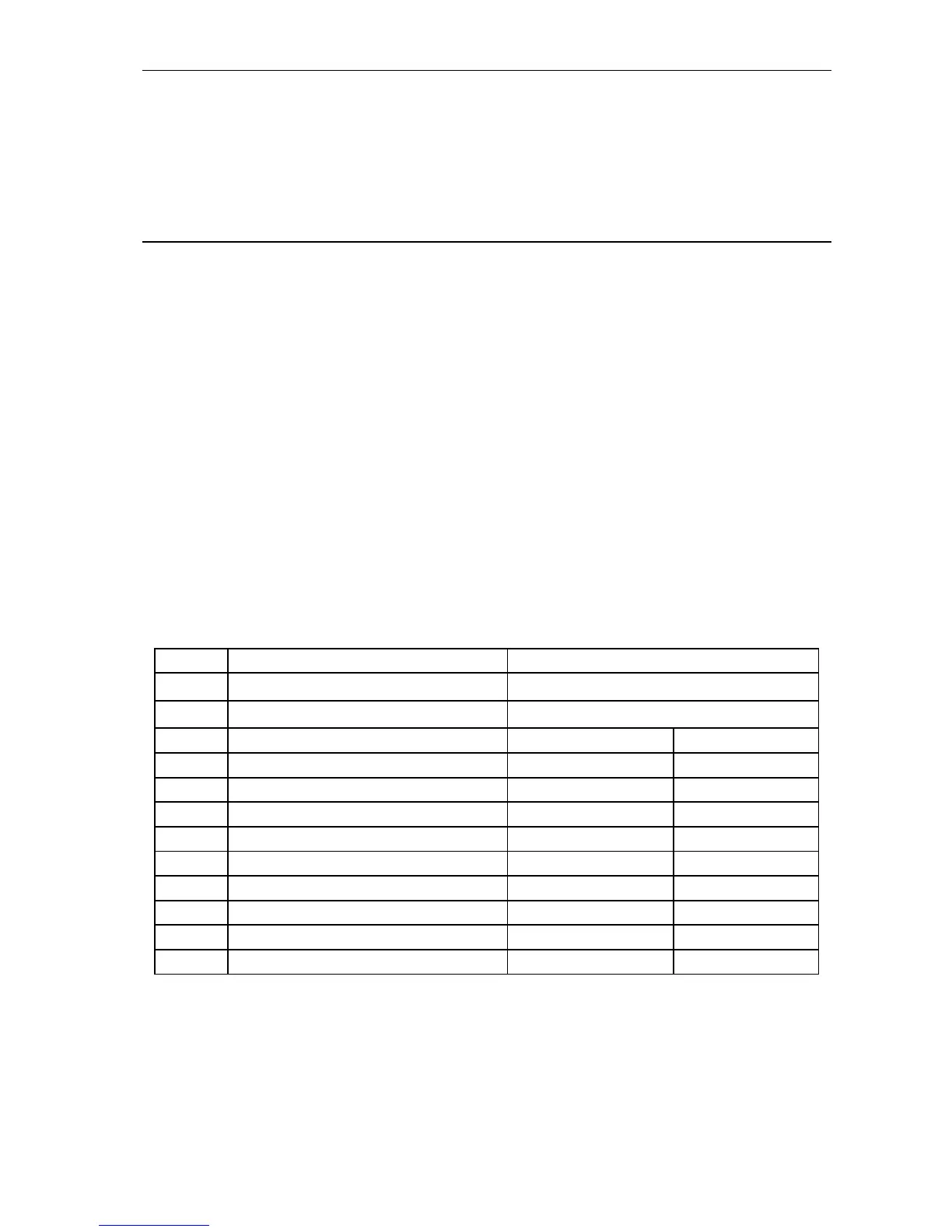
The way of entering texts is explained in the table below:
Key Numeric mode function Text mode function
S
delete preceding character previous character in the alphabet
T
toggle insert/overwrite next character in the alphabet
1 1 . ,
abc 2 2 A a
def 3 3 D d
ghi 4 4 G g
jkl 5 5 J j
mno 6 6 M m
pqrs 7 7 P p
tuv 8 8 T t
wxyz 9 9 W w
0 0 space -
During programming of text format messages, the keys
W
X
control the cursor, [
*
]
toggles the mode (text mode / numeric mode) and [#] confirms the entire text value. The
remaining keys function depend on the mode.
The text mode is signaled by
*
in the upper right corner of the display.
Numeric keys in text mode insert letters at the cursor position according to the
preceding table. Lowercase characters are entered by pressing a numeric key twice.
ST
keys enable the previous/next character selection.



 To Next Page