14 VERSA SATEL
Schedule number
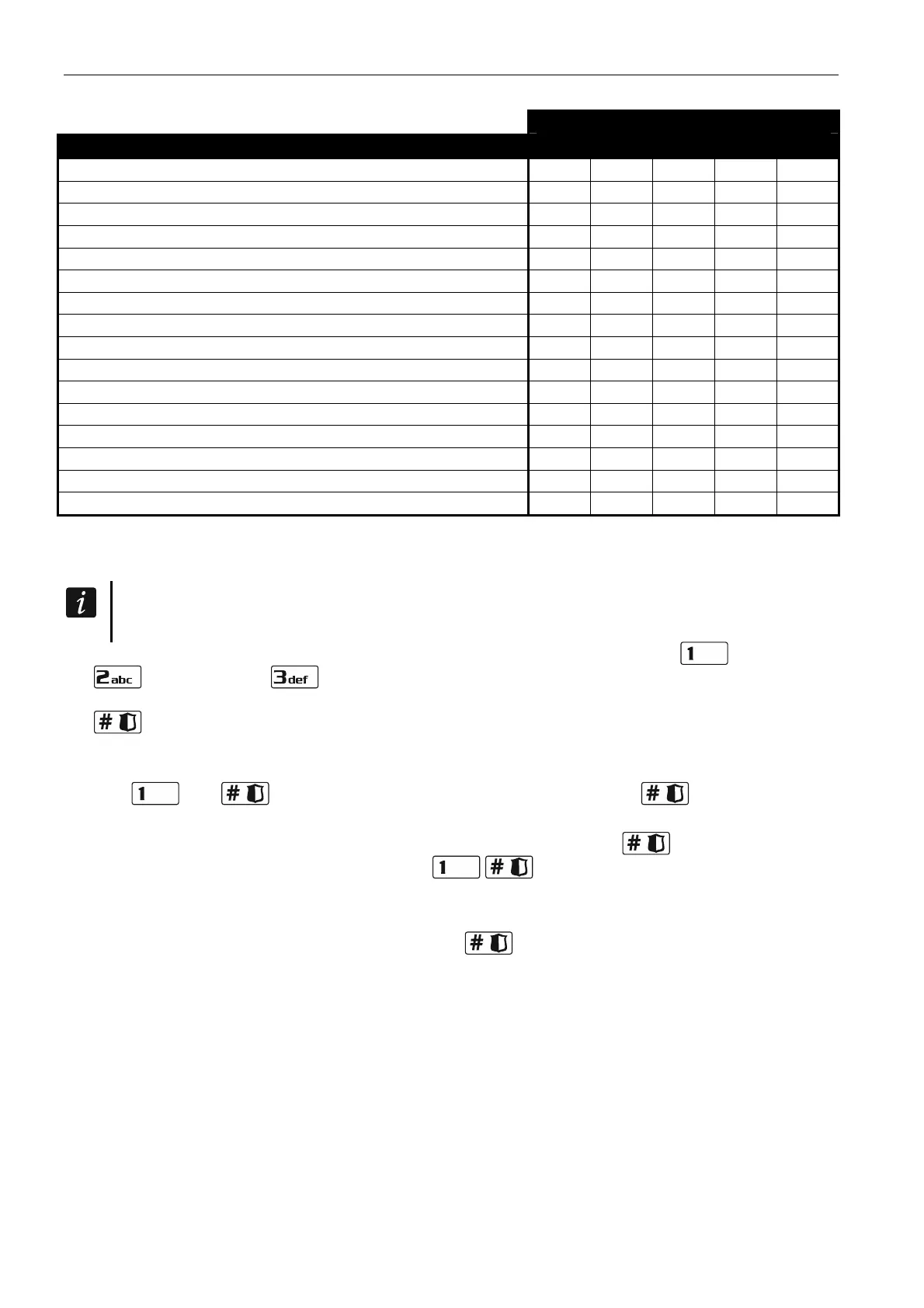
Right 1 2 3 4 5
Arming
Disarming
Alarm clearing
Telephone messaging clearing
Auto-arming defer
Zone inhibition
Zone isolation
Change access code
Users editing
Control
Programming
DOWNLOAD/SERWIS
Inspection
Tests
DURESS
INT-VG access
Table 2. Factory default settings of the user schedules. The installer can assign other rights
to them.
Using the DURESS right code will trigger a silent alarm, which is not signaled in any
way, but the alarm code will be sent to the monitoring station.
4. Step 4. Selecting partitions accessible to the user. Press the key (partition 1),
(partition 2) or (both partitions) to define the partitions to which the user is to
have access. The LED with number corresponding to your choice will start blinking. Press
to confirm your selection.
5. Step 5. Adding 433 MHz keyfob. If the INT-RX-S, INT-RX or VERSA-MCU module is
connected to the control panel, the user may be assigned a 433 MHz keyfob. Press in
turn and (if a keyfob is to be assigned to the user) or only (if no keyfob
is to be assigned to the user).
6. Step 5a. Selecting 433 MHz keyfob addition method. Press (if the keyfob serial
number is to be entered) or press in turn
(if the serial number is to be read by
the device which supports the keyfobs during transmission).
7. Step 5b. Adding 433 MHz keyfob. Depending on the selected method:
– enter the keyfob serial number and press
,
– press twice any button on the keyfob.













 To Next Page