4 VERSA SATEL
2.1 LEDs presenting partition and system state
LED Color Description
green indicates the partition state (each partition has its own LED)
ON – partition is armed
blinking – exit delay countdown is running in partition
red indicates alarm or alarm memory in the partition (each partition has its
own LED)
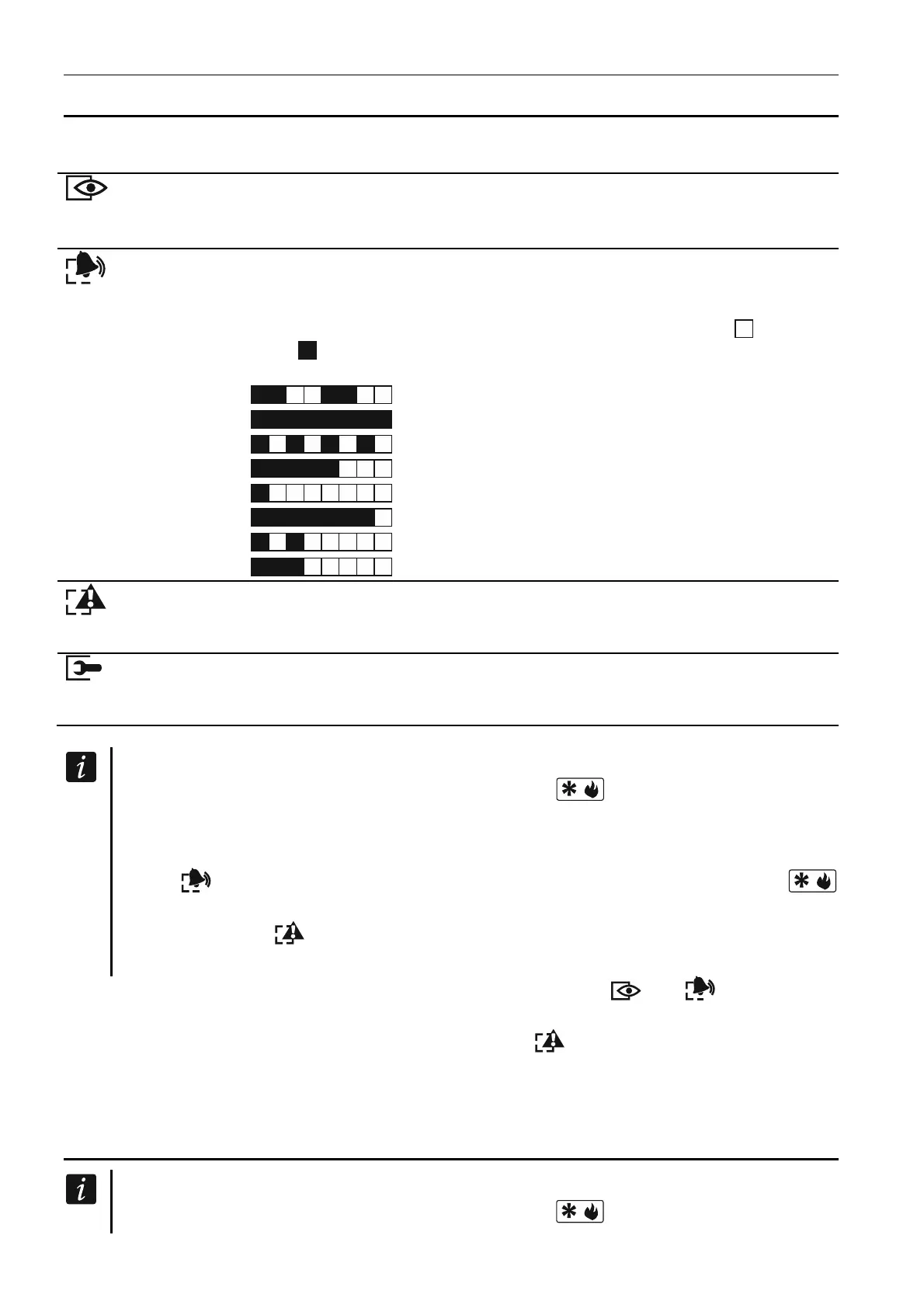
The way of presenting the information is shown graphically below.
The information is presented for 2 seconds and repeated ( – LED is
OFF; – LED is ON). The higher position in the list means the higher
priority of the presented status:
– fire alarm,
–
burglary alarm,
– warning alarm,
– tamper alarm,
– fire alarm memory,
–
burglary alarm memory
,
– warning alarm memory,
– tamper alarm memory.
yellow blinking when the system requires user's attention (e.g. because of
a trouble or trouble memory)
The LED goes off, if one or both partitions are armed.
blue
indicates the service mode
ON – service menu is available on the keypad
blinking – service menu is available on another keypad
Information about the armed state can be extinguished after a time period defined by
the installer. Entering the code and pressing the key will display again the
armed state information.
If the GRADE 2 global option is enabled by installer:
the
LEDs indicate alarms only after entering the code and pressing the
key,
blinking of the LED means that there is a trouble in the system, some zones
are bypassed, or that there was an alarm.
When programming by means of the “step-by-step” method, the and LEDs present
the number of the current step (see p. 10).
When you are using the user menu or service menu, the
LED is:
blinking rapidly during navigation through the menus and submenus,
steady on after a function is started.
2.2 LEDs presenting zone status
If the GRADE 2 global option is enabled by the installer, the LEDs will only present the
zone status after entering the code and pressing the key.















 To Next Page