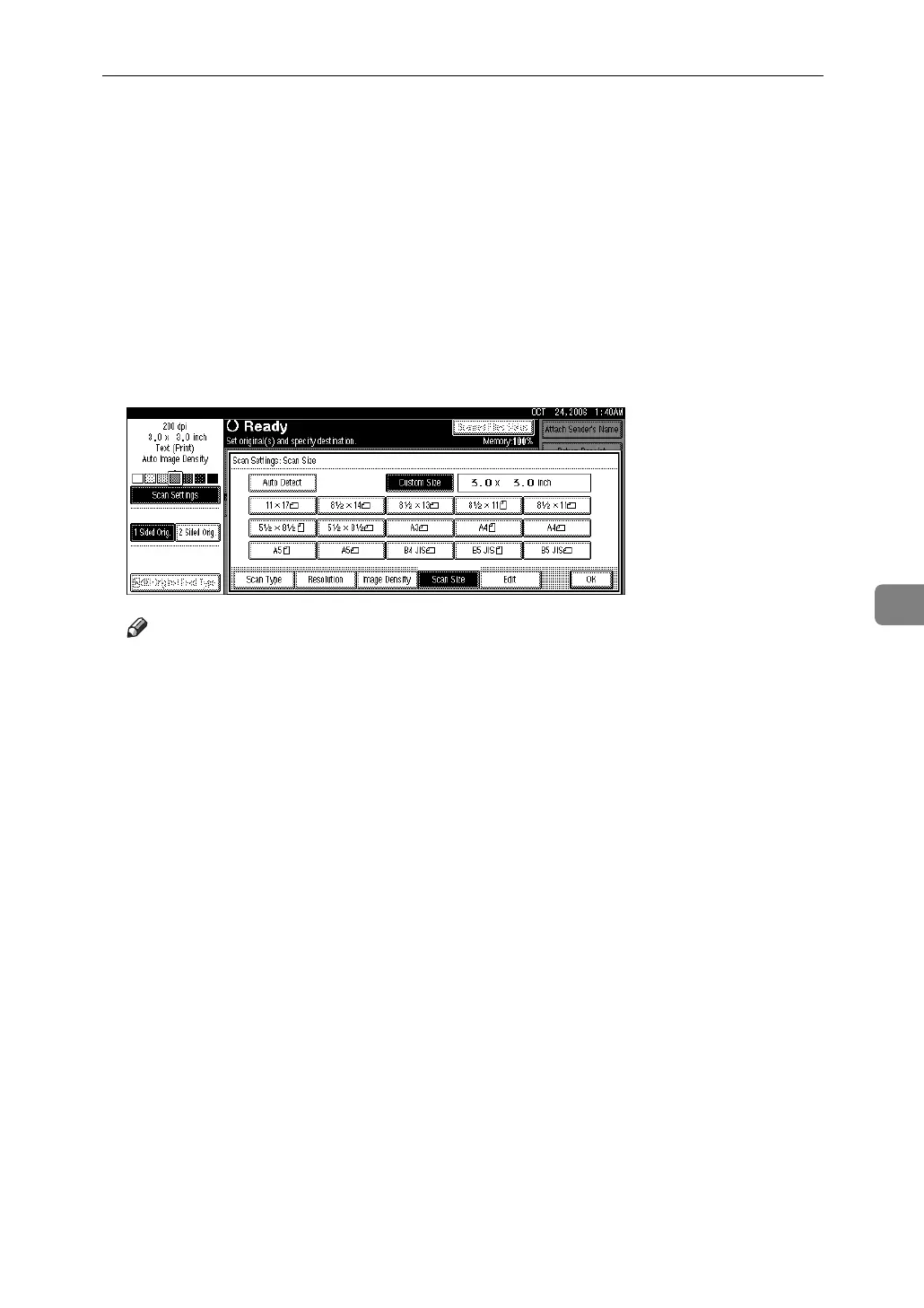
Items for Specifying Scan Settings
109
6
E Specify Start Position (X2 and Y2) using the number keys, and then press
the {q} key.
For example, set X2 to 2.0 inch and Y2 to 1.0 inch.
F Specify Scan Area (X3 and Y3) using the number keys, and then press the
{q} key.
For example, set X3 and Y3 to 3.0 inch.
G Press [OK].
H Check Scan Area (X3 and Y3) displayed in the [Custom Size] field, and then
press [OK].
Note
❒ To scan an original that is smaller than 5.5 inch, make settings as though
you were scanning a section of an original that is larger than 5.5 inch.



 To Next Page