Various Scan Settings
130
6
Deleting a Program
To delete a registered program:
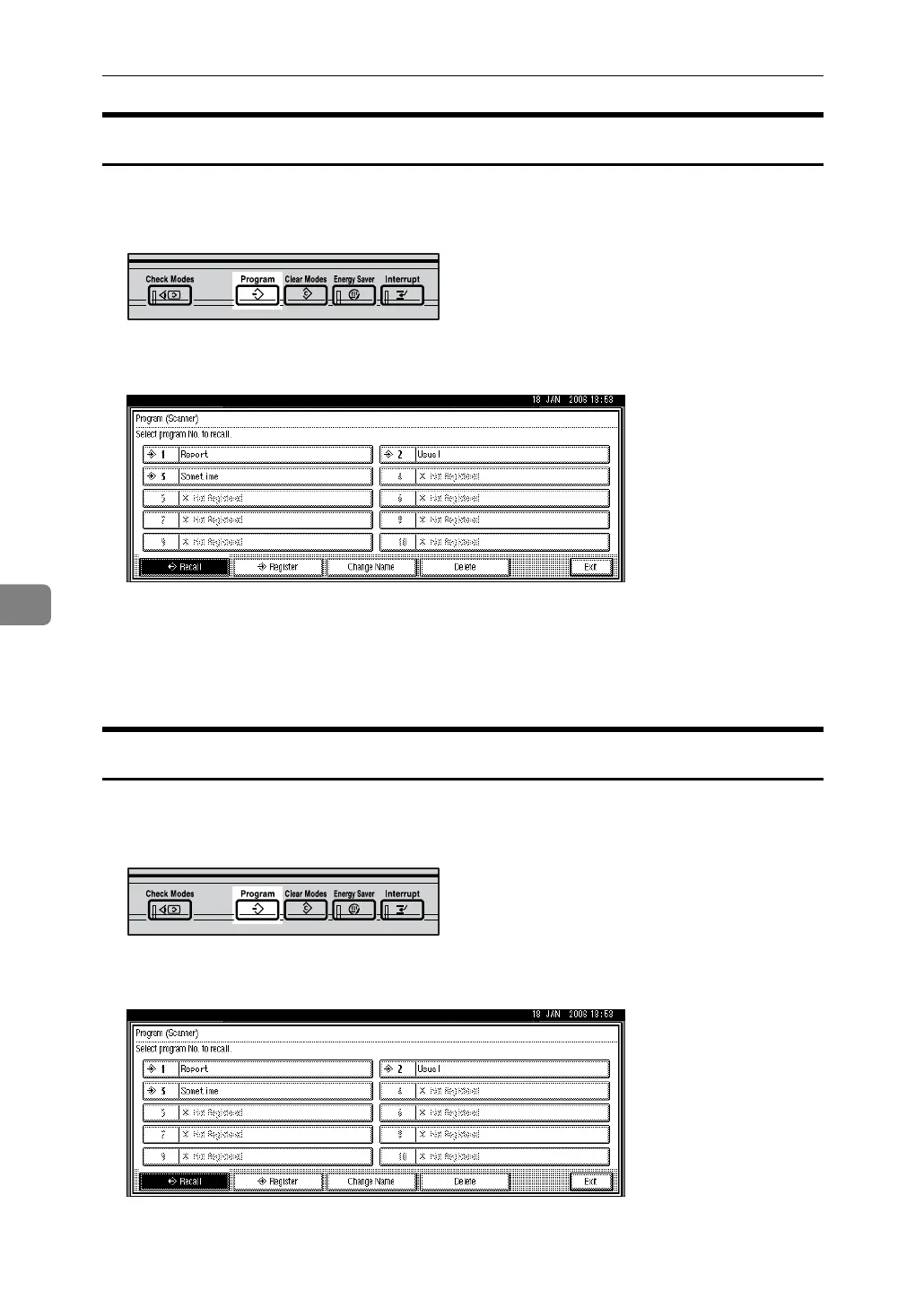
A Press the {Program} key.
B Press [Delete].
C Press the number of the program you want to delete.
D Press [Yes].
The program is deleted, and the initial screen reappears after a moment.
Changing the Registered Program Name
To change the name of a registered program:
A Press the {Program} key.
B Press [Change Name].
C Press the number of the program whose name you want to change.
ARQ002S
ARQ002S



 To Next Page