Various Scan Settings
114
6
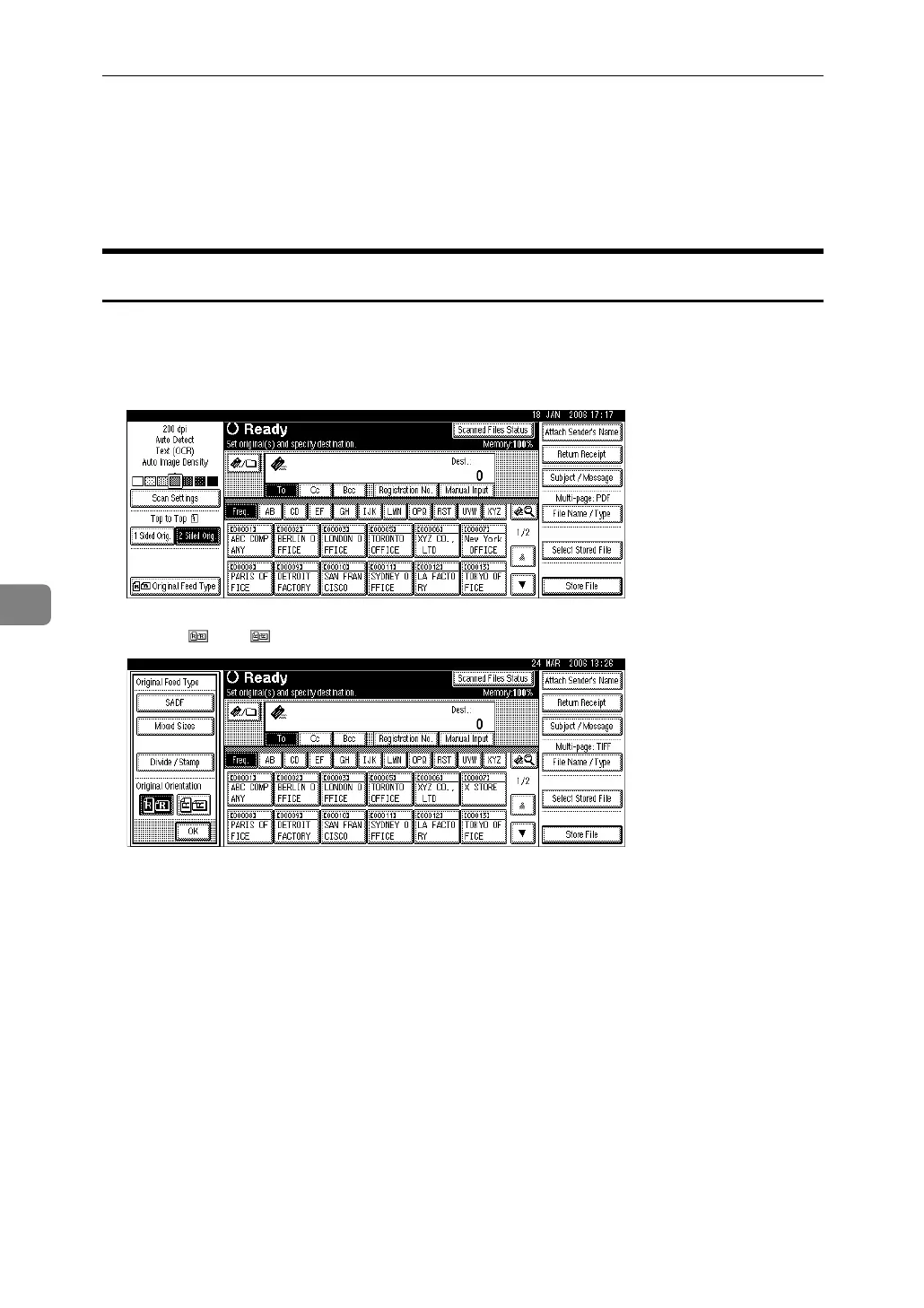
Setting of Original Feed Type
This section explains the settings for original orientation, Batch/SADF, mixed
sizes, divide, and stamp by pressing [Original Feed Type].
Original Orientation
This section explains how to correctly display the top/bottom orientation of
scanned originals on a client computer screen.
A Press [Original Feed Type].
B Press [] or [] to select the same orientation as that of original.
C Press [OK].



 To Next Page