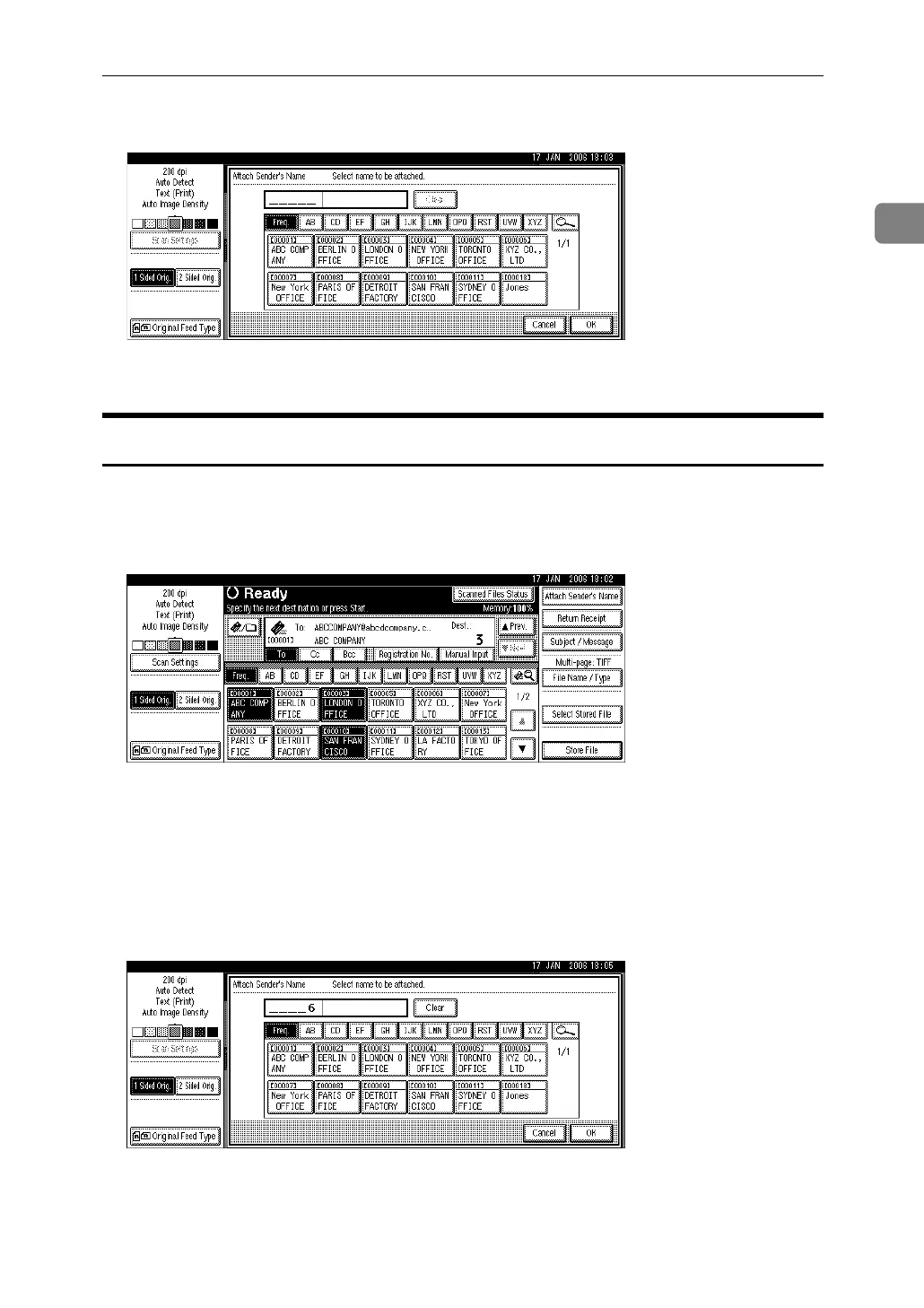
Specifying the E-mail Sender
27
1
B Select the sender.
C Press [OK].
Using a Registration Number to Specify a Sender Name
Select the sender using the registration numbers specified by users in the ma-
chine's address book.
A Press [Attach Sender's Name].
B Using the number keys, enter the five-digit registration number assigned
to the required destination folder.
If the entered number is less than five digits, press the {q} key after the last
number.
Example: To enter 00006
Press the {6} key, and then press the {q} key.
C Press [OK].



 To Next Page