Delivering Scan Files
90
4
Specifying the Sender
This section explains how to specify the e-mail sender when sending a file by e-
mail via the delivery server.
The sender you specify appears in the subject line of e-mail.
You can specify the sender by any of the following methods:
• Select the sender from the sender list
• Select the sender by entering the registration number
• Select the sender by searching the delivery server’s Destination List
Selecting a Sender from the Sender List
This section explains how to select a sender from the sender list.
Destinations that are registered on the delivery server are displayed in the send-
er list.
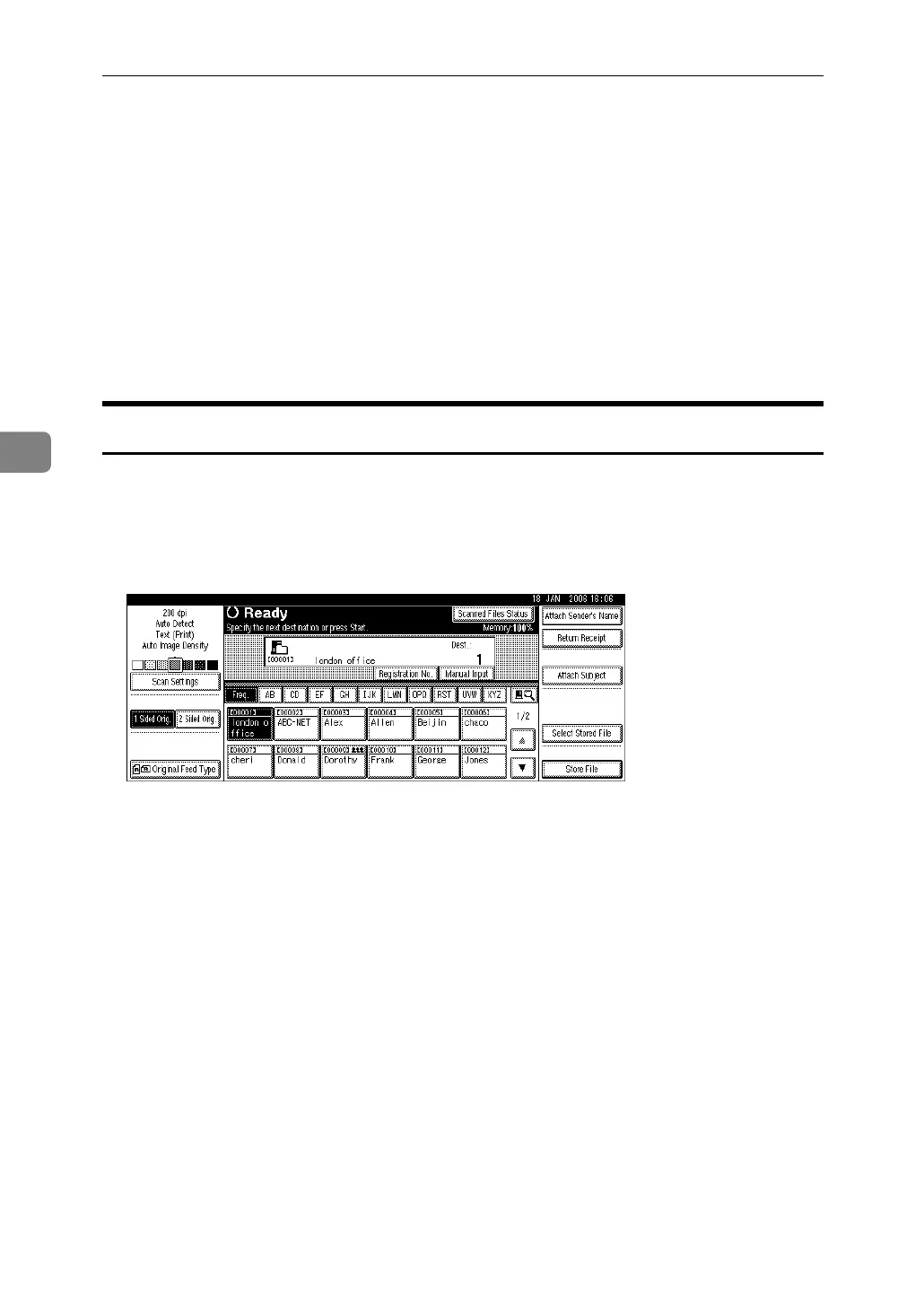
A Press [Attach Sender's Name].
B Select the sender.
The selected sender and its registration number appear.
C Press [OK].



 To Next Page