Various Scan Settings
112
6
Setting for Scanning Sides of Originals
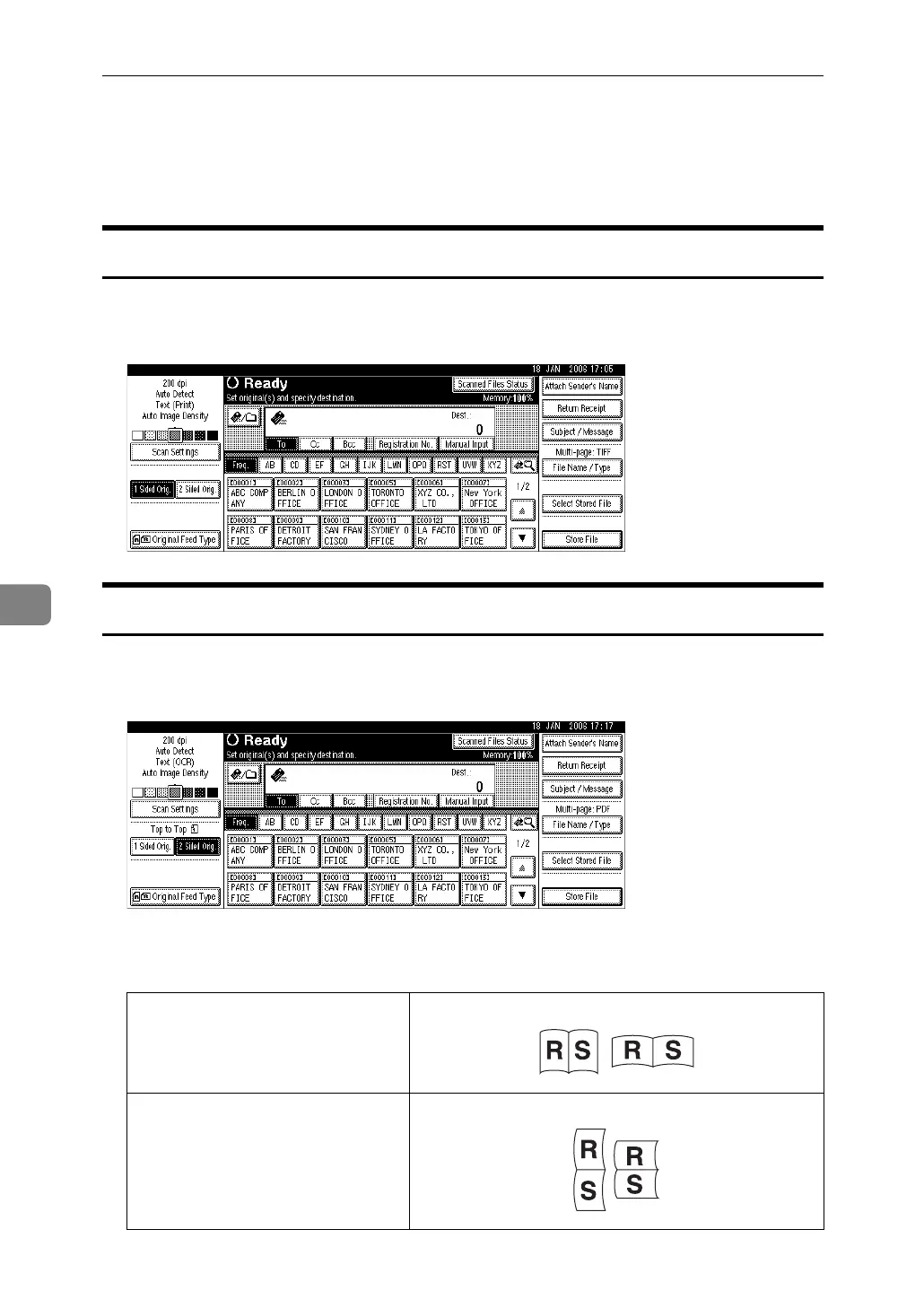
This section explains settings for scanning one- or two-sided originals.
One-sided original
This section explains the settings for scanning only one side of originals.
A Press [1 Sided Orig.].
Two-sided original
This section explains the settings for scanning both sides of originals.
A Press [2 Sided Orig.].
B Select [2 Sided Orig: T to T] or [2 Sided Orig: T to B] according to the binding ori-
entation of the original.
Top to top original
Top to bottom original



 To Next Page