Sending Scan Files by Scan to Folder
50
2
Sending Files to an FTP Server
This section explains how to specify destinations when sending files to an FTP server.
Entering the path to an FTP server manually
You can enter the path to an FTP server manually.
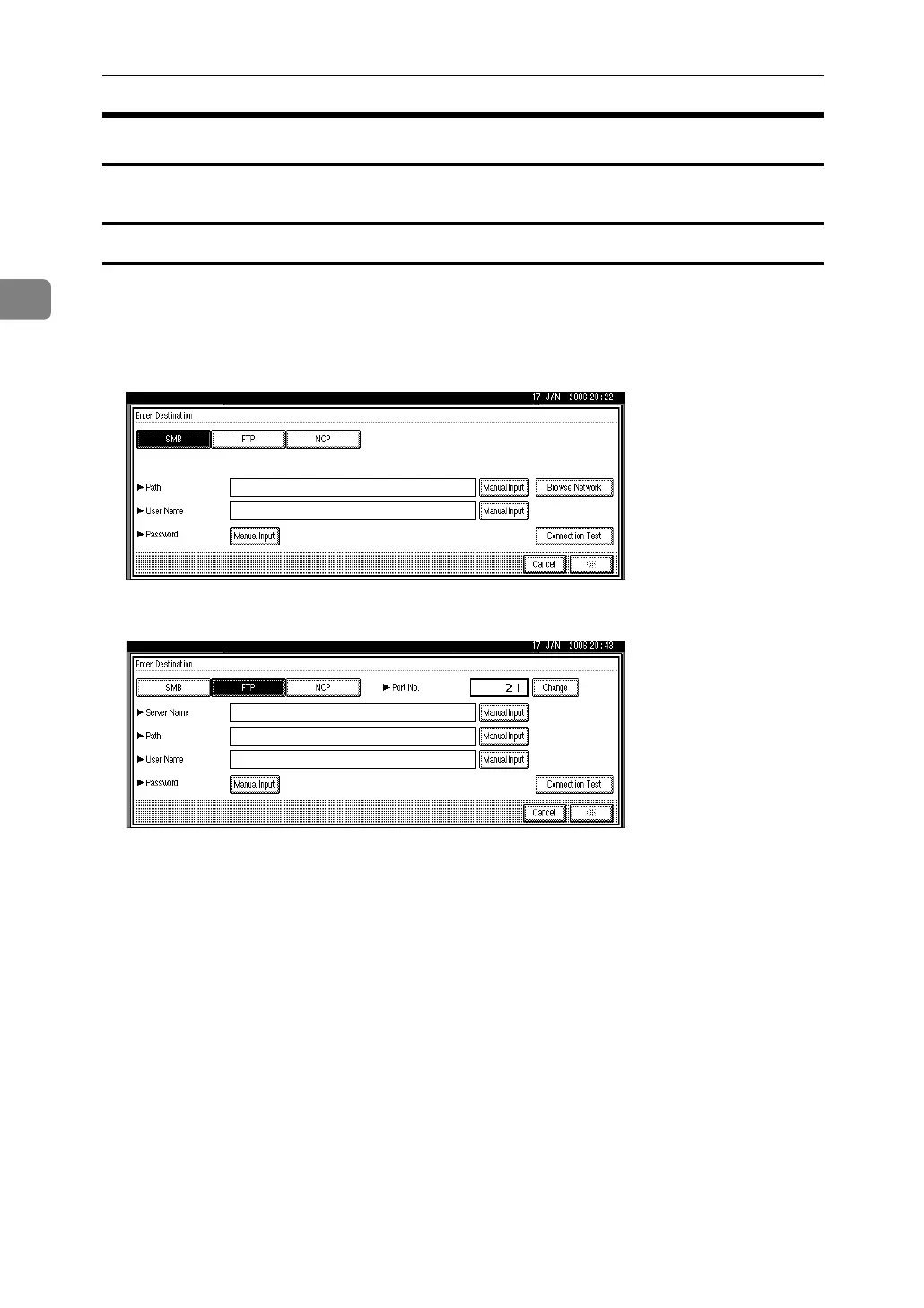
A Press [Enter Destination].
B Press [FTP].
C Press [Manual Input] on the right side of the server name field.
The soft keyboard appears.
D Enter a server name.
Instead of specifying the destination using its path, you can also use its IP address.
E Press [OK].
F Press [Manual Input] on the right side of the path field.
The soft keyboard appears.
G Enter the path for the folder.
The following is an example of a path where the folder name is "user" and the
subfolder name is "lib": user\lib.
For details about maximum number of characters that can be entered, see
"Folder transmission".
H Press [OK].



 To Next Page