Various Scan Settings
120
6
Note
❒ If the last page of a batch of divided originals is blank, you can skip that
page. To skip scanning, in [Last Page] under [2 Sided Original], select [1 Side].
To scan the last page as a blank page, select [2 Sides]. For details, see "Two-
sided original".
Reference
p.112 “Two-sided original”
Stamp
This section explains the procedure for stamping on originals scanned using the
ADF.
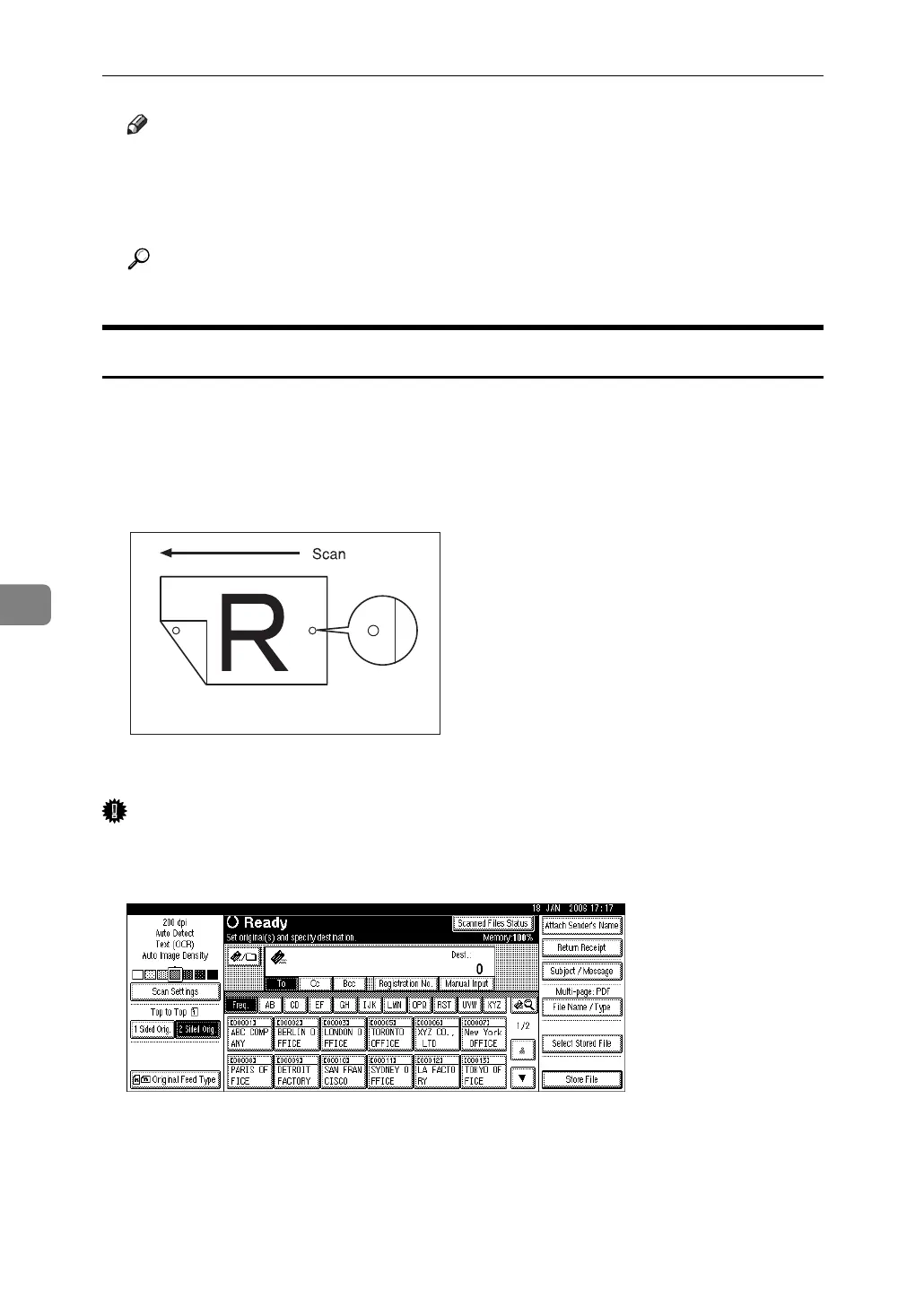
If you select [Stamp], a circle mark is stamped on originals that are scanned using
the ADF. On two-sided originals, circle marks are stamped on both sides.
This function is useful when you want to identify scanned originals.
This illustration is an example when scanning a two-sided original.
Important
❒ To enable stamping, you must install the stamp cartridge.
A Press [Original Feed Type].
ARO006S



 To Next Page