Storing Files Using the Scanner Function
68
3
Searching the List of Stored Files
You can search for files from the stored files using the user name or file name.
You can search the list of stored files by either of the following methods:
• Search by user name
• Search by file name
Searching by user name
You can search for a stored file by its user name.
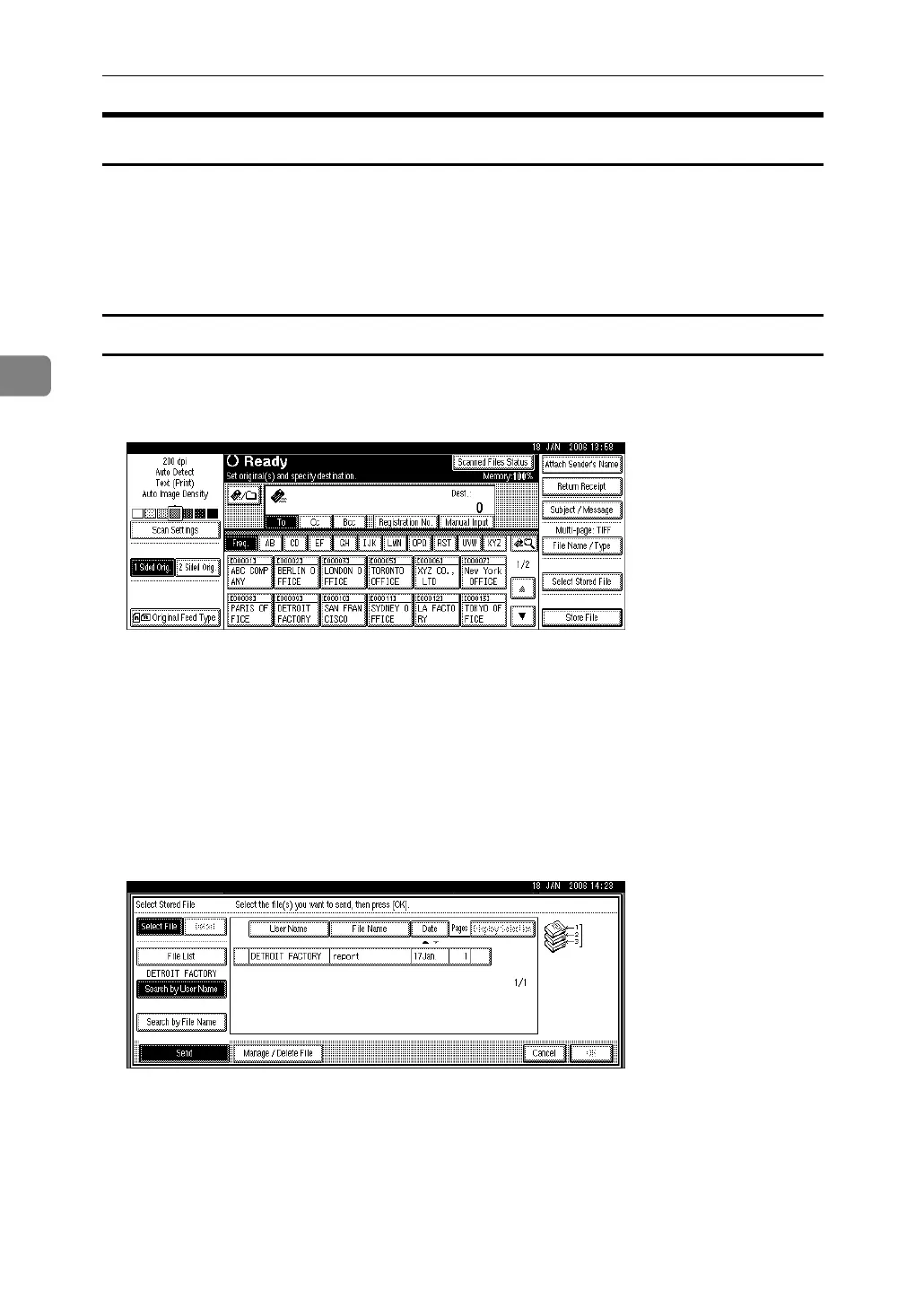
A Press [Select Stored File].
B Press [Search by User Name].
C Select the user name to be used for the search.
The user names shown here are names that were registered on the [Adminis-
trator Tools] tab in [System Settings]. To change a user name not shown here,
press [Non-programmed Name], and then enter the user name.
D Press [OK].
The search begins, and then files belonging to the specified user appear.



 To Next Page