Displaying the List of Stored Files
69
3
Searching by file name
You can search for a stored file by its file name.
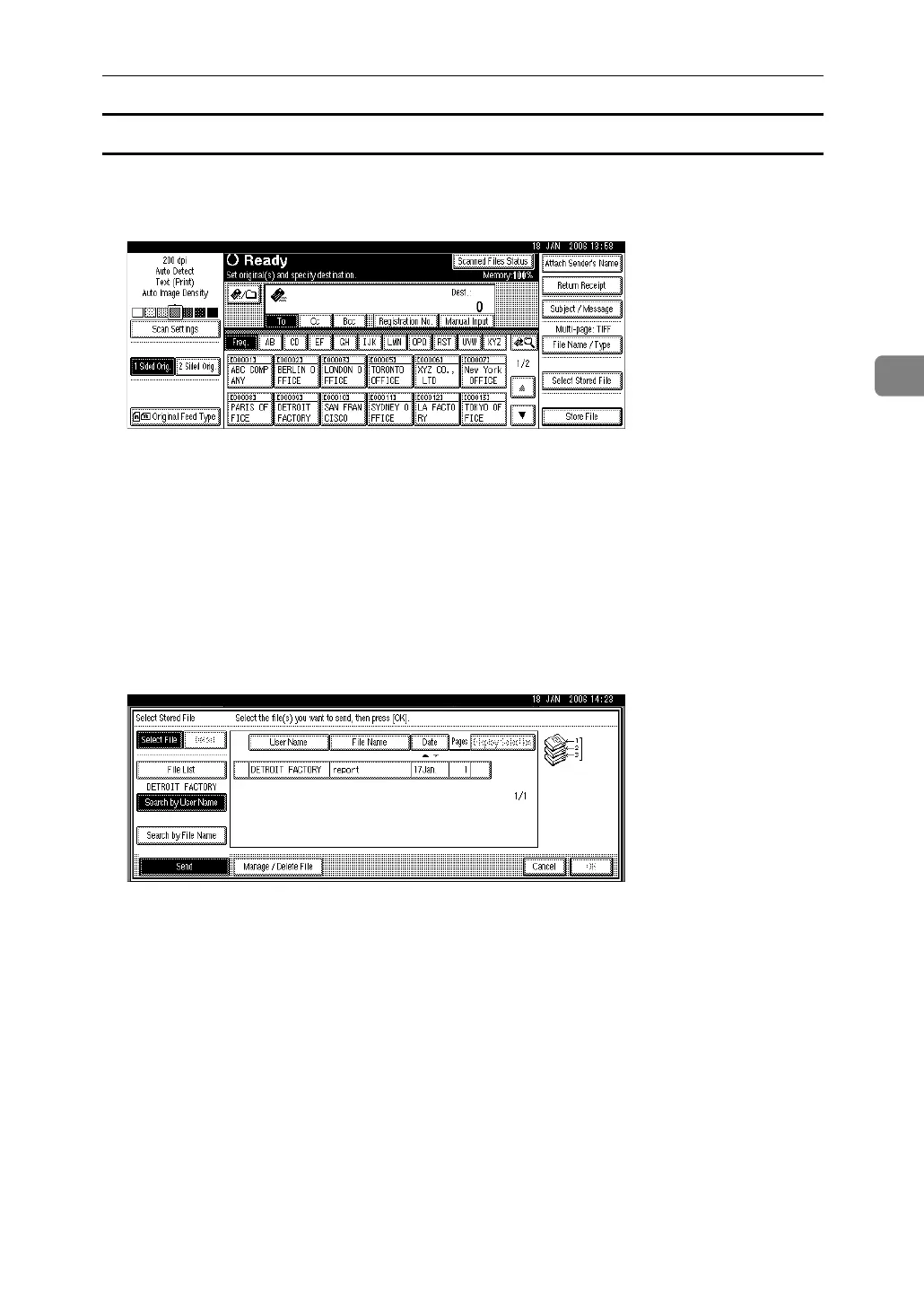
A Press [Select Stored File].
B Press [Search by File Name].
The soft keyboard appears.
C Enter the file name.
It is necessary to distinguish between uppercase and lowercase letters.
For information about how to enter characters, see About This Machine.
D Press [OK].
The search starts, and files whose name starts with the entered string appear.



 To Next Page