Specifying E-mail Destinations
21
1
D Press [OK].
E Select a destination.
F Select [To], [Cc], or [Bcc].
G Press [Exit].
Entering an E-mail Address Manually
This section explains how to enter an e-mail address manually.
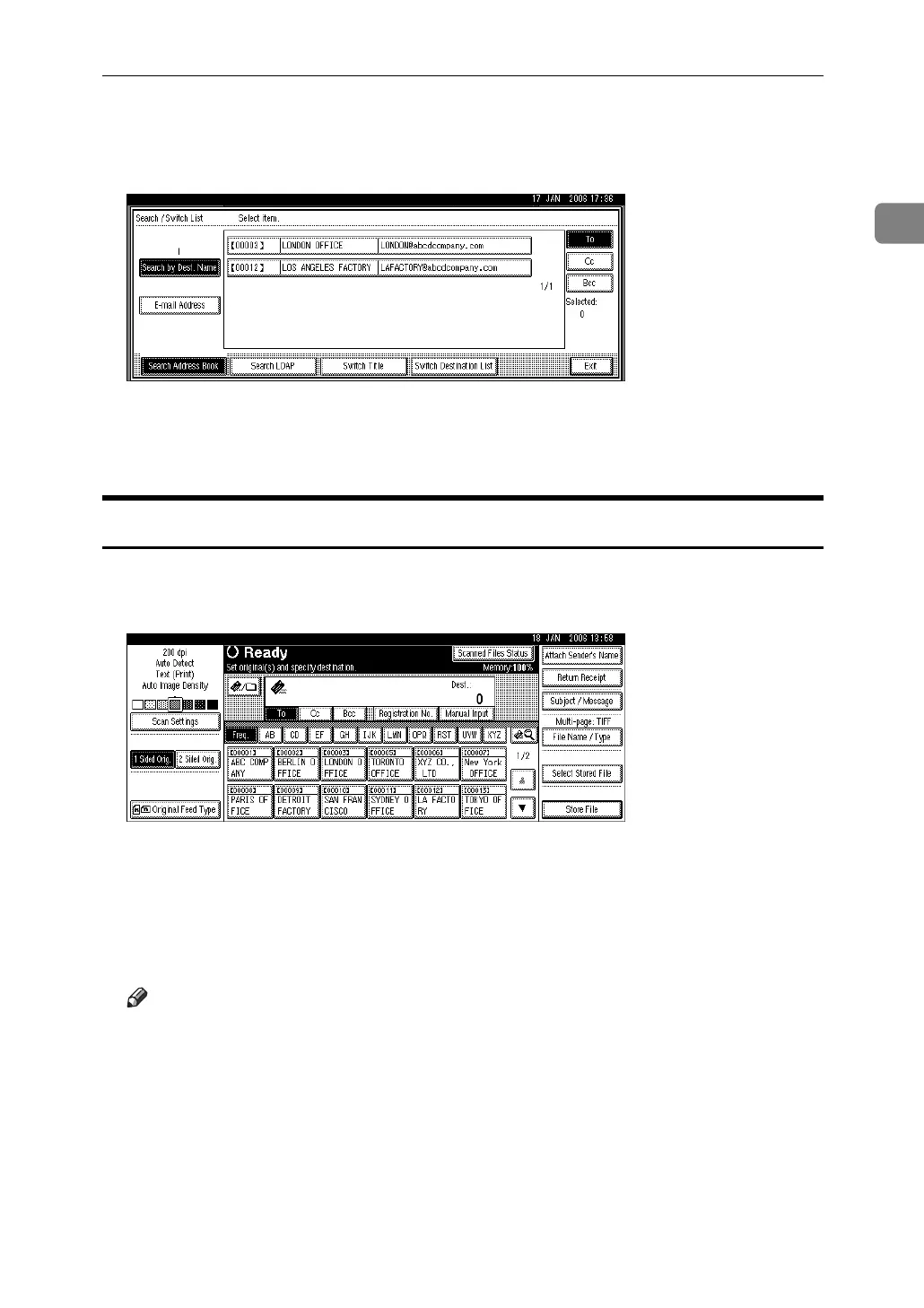
A Press [Manual Input].
The soft keyboard appears.
For information about how to enter characters, see About This Machine.
B Enter the e-mail address.
C Press [OK].
Note
❒ Depending on the security settings, [Manual Input] may not be displayed.
❒ For details about maximum number of characters that can be entered, see
"Sending E-mail".
❒ To change an entered e-mail address, press [Change].
❒ The e-mail address that is entered directly can be registered in the ma-
chine’s address book. For details, see "Registering a Directly-Entered Des-
tination in the Address Book".



 To Next Page