Sending Scan Files by E-mail
20
1
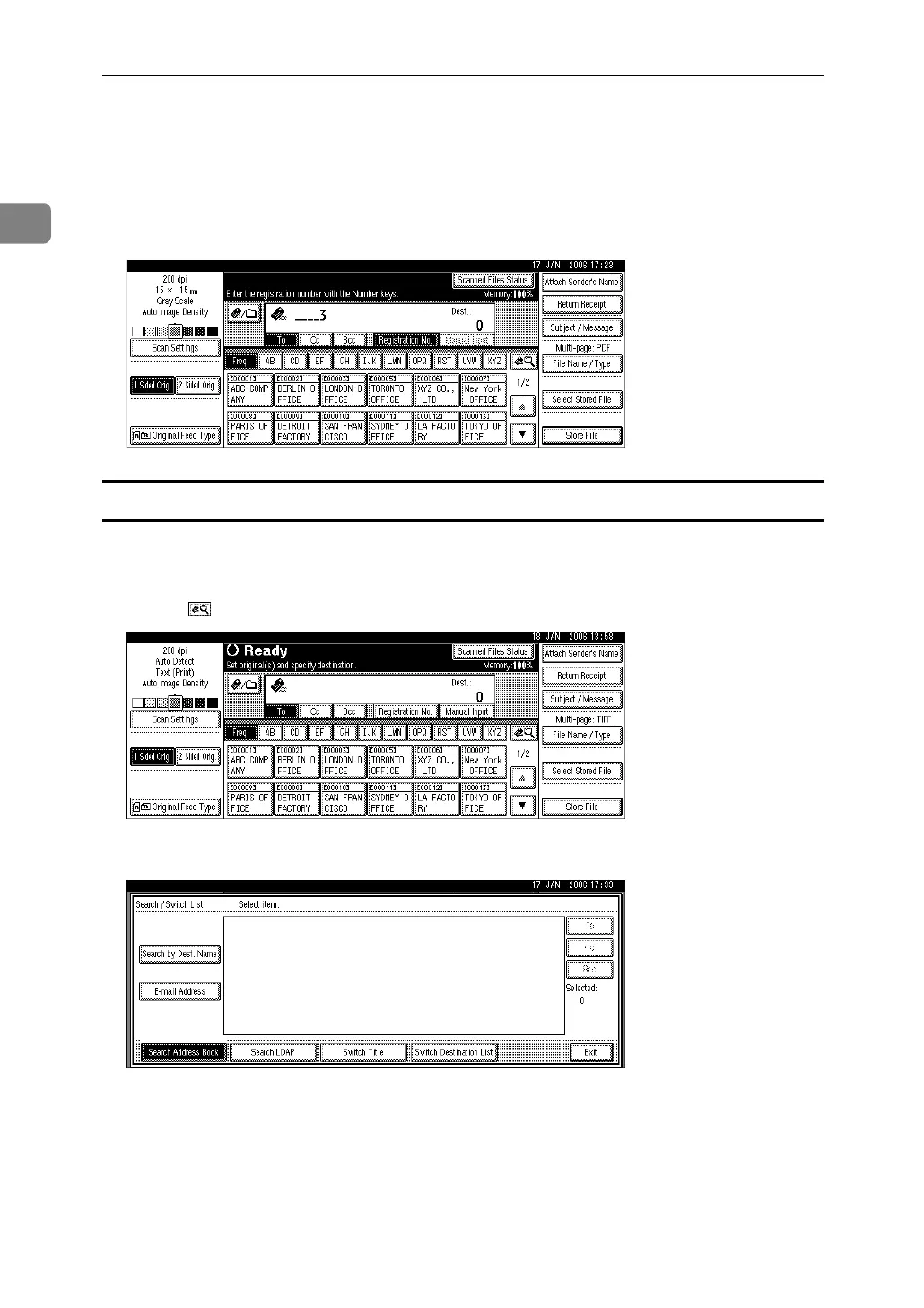
B Using the number keys, enter the five-digit registration number assigned
to the required destination folder.
If the entered number is less than five digits, press the {q} key after the last
number.
Example: To enter 00003 Press the {3}, and then press the {q} key.
Searching the machine’s address book for the destination and selecting it
This section explains how to search the machine’s address book for the destina-
tion and select it.
A Press [].
B To search by destination name, press [Search by Dest. Name].
To search by e-mail address, press [E-mail Address].
The soft keyboard appears.
You can also search by combining [Search by Dest. Name] and [E-mail Address].
C Enter the beginning of the destination name.
To search by e-mail address, enter the beginning of the address.



 To Next Page