Specifying the E-mail Message
31
1
Manual Entry of a Message
You can enter the message manually.
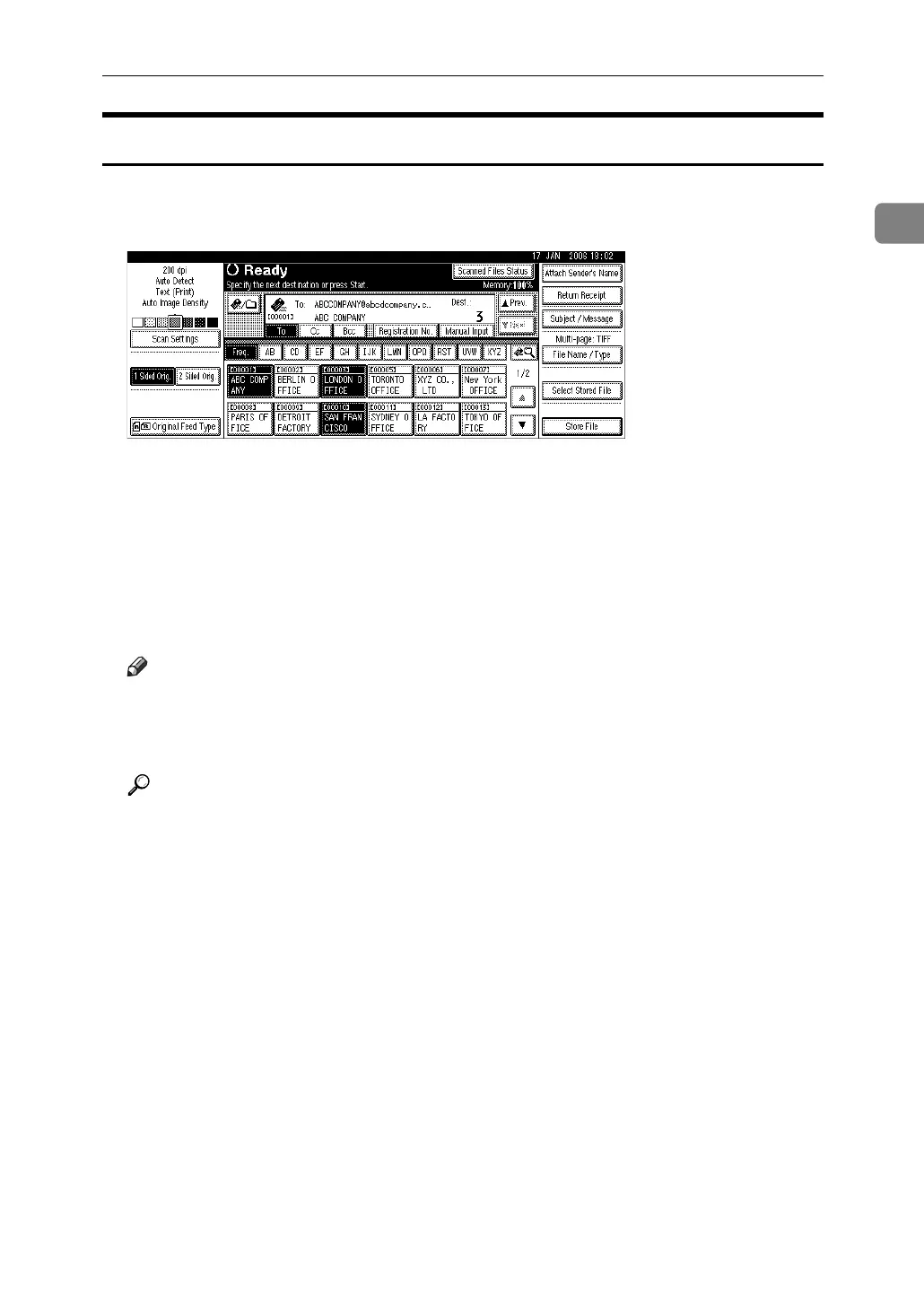
A Press [Subject / Message].
B Press [E-mail Message].
C Press [Manual Input].
The soft keyboard appears.
D Enter the message.
E Press [OK] three times.
Note
❒ For details about entering the text, see About This Machine.
❒ For details about the maximum number of characters that can be entered,
see “Sending E-mail”.
Reference
p.143 “Sending E-mail”



 To Next Page