Setting of Original Feed Type
121
6
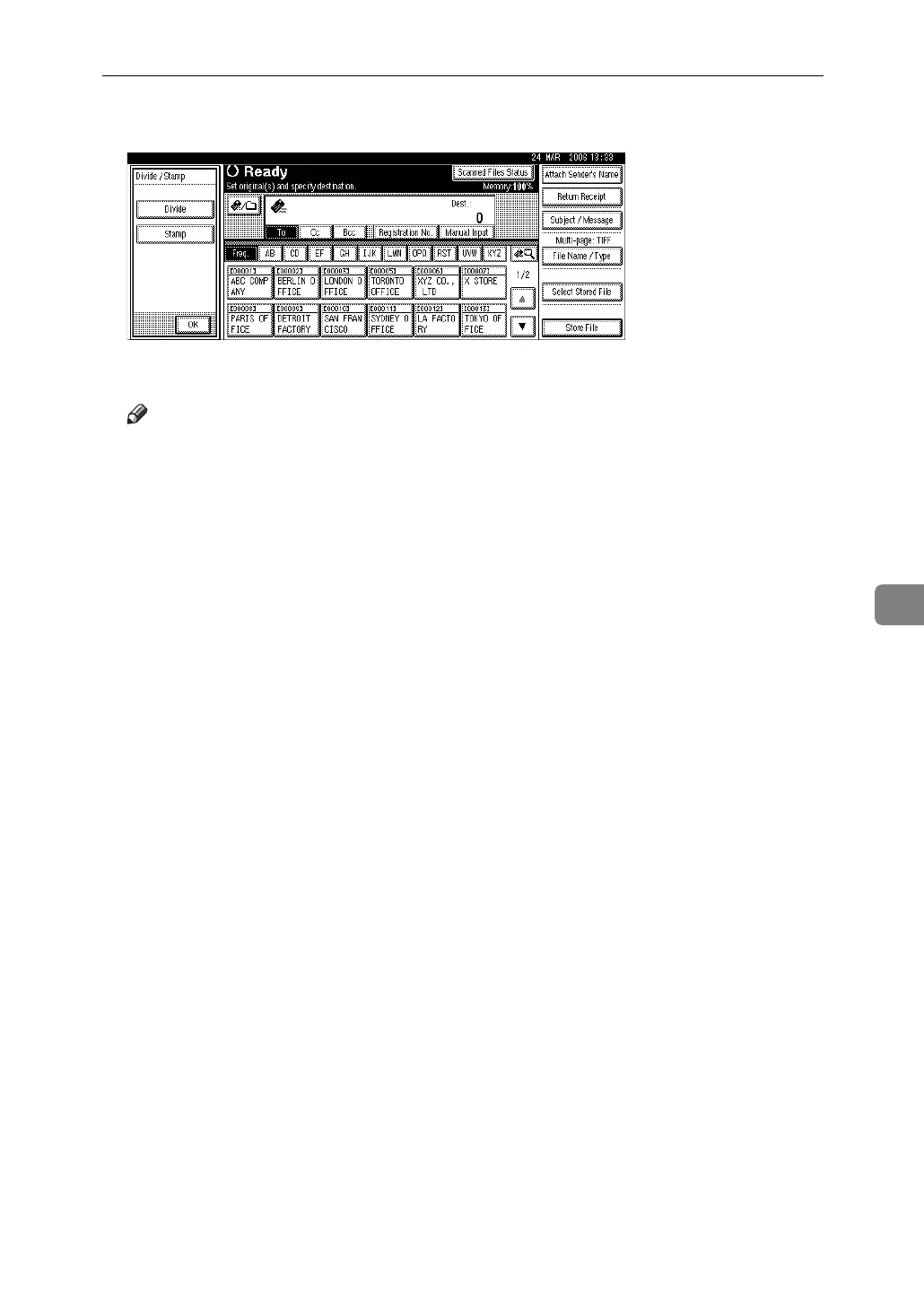
B Press [Divide / Stamp], and then [Stamp].
C Press [OK].
Note
❒ Last pages are stamped even if you selected not to scan the last page.
❒ Stamping may continue if scanning is interrupted, depending on the cause
of interruption.
❒ Replace the stamp cartridge when stamp begins to fade. For details, see
Troubleshooting.



 To Next Page